
Tipsoi Software Platform
One Centralized Attendance Dashboard for Your Entire Workforce
See who is present, who is late, and who is on leave- the second it happens. Every site, every department, one screen. No spreadsheets. No end-of-day reports. No guessing.

Still Checking Five Different Sheets to Know Who's at Work?
If your managers are calling around to confirm who showed up, and your HR team is compiling attendance from three different registers before payroll — you don’t have a dashboard, you have a guessing game. Every hour spent piecing together yesterday’s data is an hour your team isn’t spending on actual HR work.
3.5 hrs
lost today on manual data entry
12
payroll mistakes found in attendance sheets this month
Everything About Your Workforce, In One View
Real screens from the Tipsoi dashboard — not mockups. This is what your team logs into every day.

Live Attendance Dashboard Snapshot
Four numbers sit at the top of the dashboard: present, absent, on time, and late. Each one shows a live count and a percentage of your total headcount.
These are not end-of-day numbers. The counter moves as people clock in. If someone scans in at 9:02 AM, the late count changes at 9:02 AM. You are looking at what is true right now, not what was true yesterday when someone last exported a report.
This matters most in the first hour of the day. That is when you find out whether a shift is short-staffed, and it is the only hour when you can still do something about it.

Department & Site Breakdown
The dashboard breaks attendance down by department, so you see each team as its own chart. Late, on leave, absent, on time, holiday, and special day are all colour-coded, so you can read a department’s status without reading a single number.
If you run more than one branch or factory, site-level data rolls into the same view. For deeper cuts of the same data — monthly trends, individual histories, department comparisons — the dashboard hands off to Advanced Reports and Analytics.

Live Attendance Feed
The method matters more than people expect. The feed tells you whether someone clocked in by fingerprint, by AI face recognition , by mobile punch, or through a manual entry made by an admin. If a record looks wrong, you can see how it was created before you start asking questions.
Late arrivals are flagged in the feed itself, with the exact delay written next to the punch — for example, ‘Fingerprint (6 hours 56 minutes late)’. You do not have to compare the punch time against a shift schedule in your head.

Late & Leave Tracker
Two panels sit under the charts. One lists everyone who is late today. The other lists everyone who is on leave.
The late panel does not just give you a name. It shows the department, the line manager responsible, the exact clock-in time, how late the person was, and how many times they have been late this month. That last number is the useful one, because a single late arrival is an accident and the eighth one is a pattern.
The leave panel reads directly from your approved leave records, so people who applied through the Leave Management System never show up as unexplained absences. Requests waiting on a manager appear under Approval Workflows instead.
How It Works
Log In, See Your View
The dashboard adapts to the role logged in. Admins, Payroll Managers, Site Admins, and Site Managers each see the data relevant to them — automatically.
Everything On One Screen
Attendance stats, live activity feed, department charts, and a shared team calendar sit together on a single screen. No tab-switching.
Search and Drill Down
Type any employee's name or ID and get their individual attendance record instantly — no separate lookup tool required.
See Your Whole Workforce in One Screen
Tipsoi combines AI-powered biometric devices with a cloud dashboard that updates in real time. Book a live demo and watch your own attendance data populate the dashboard on the spot.
Loved by 1,400+ Happy Clients
4.9 / 5 ⭐⭐⭐ 1,200+ reviews







Built for Teams That Cannot Wait Until Tomorrow
Factories and production floors use the live counts to spot a short-staffed line before the shift starts. Retail chains and branch offices use site-level data to compare locations without calling each one. Schools and hospitals use the feed to confirm that the people who should be on duty actually are.
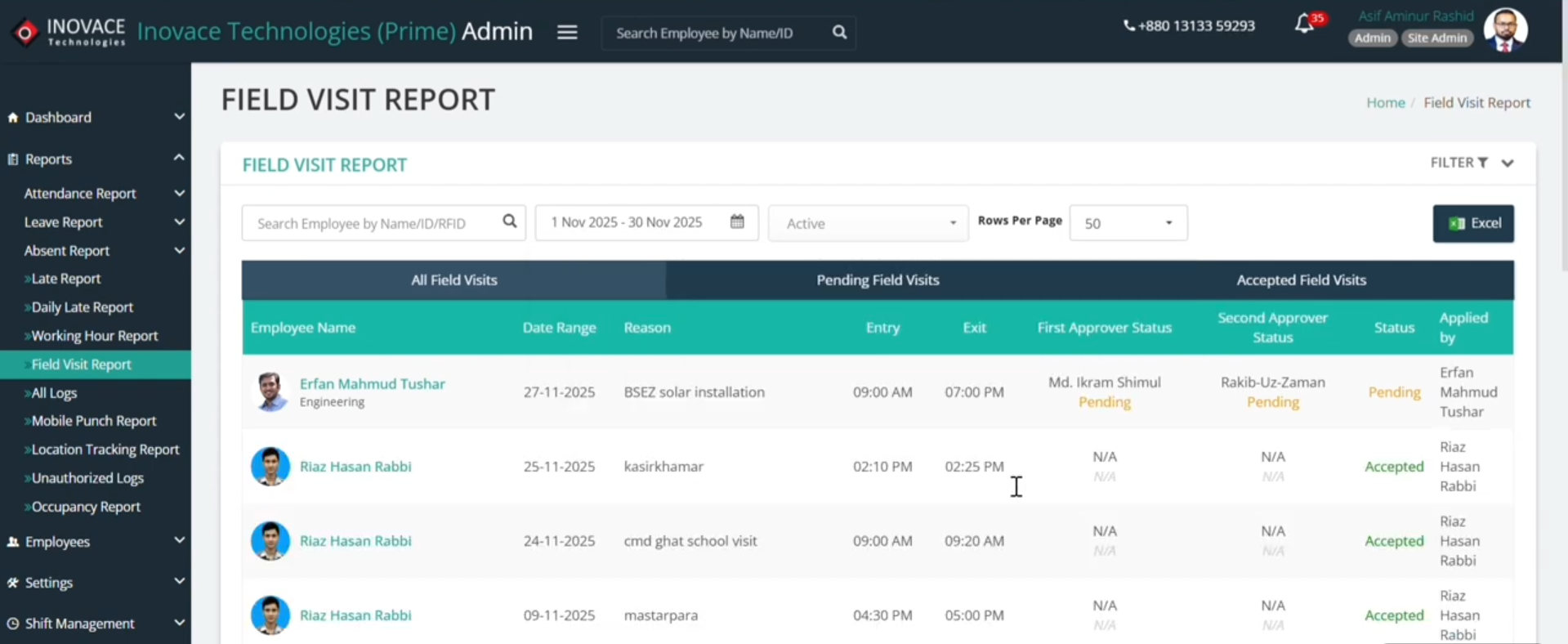
If your team works outside the office, the dashboard still covers them. Mobile punches and field check-ins appear in the same feed as device punches, and Field Team GPS Tracking adds location detail on top of it.
Explore the Full Tipsoi Platform
One ecosystem, every workforce tool you need.
AI Face Recognition
Shift Scheduling & Rostering
Field Team GPS Tracking
Leave Management System
Employee Management Software
Team-Wide Notifications
Biometric Access Control
Total Workplace Surveillance
Visitor & Parking Management
Payroll Software Integration
Overtime Management
Advanced Reports & Analytics
Approval Workflows
Frequently Asked Questions
Can I see attendance across multiple sites in one dashboard?
Yes. If your business operates across multiple branches or sites, the dashboard shows site-level and company-wide data together, so you’re never checking each location separately.
Does the dashboard update in real time?
Yes. Every punch — fingerprint, face recognition, or mobile — reflects on the dashboard within seconds, not at the end of the day.
Can different roles see different views?
Yes. Admins, Payroll Managers, Site Admins, and Site Managers each get a dashboard scoped to what they’re responsible for.
Is the dashboard accessible on mobile?
Yes, through the Tipsoi mobile app — you get the same live dashboard from your phone, wherever you are.