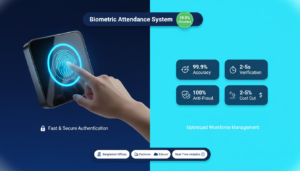

Biometric attendance systems identify people by biological or behavioral traits and log their working hours automatically. For HR and operations teams, the crucial question is how closely these systems capture real-time attendance and prevent payroll leakageThis guide breaks down accuracy metrics, operational reliability, and the real business benefits of biometric time tracking
You’ll get a clear explanation of common modalities (fingerprint, face, iris), the error rates vendors report, typical failure modes, and ROI considerations for small and medium businesses. We also summarize data security and privacy best practices that protect employee trust while enabling payroll automation. Finally, we review how vendors combine sensors, matching algorithms and cloud reporting to deliver auditable time records. We start by defining the core components and workflow so you can see how capture-to-payroll accuracy is established and measured.
What is a biometric attendance system, and how does it work?
A biometric attendance system captures a person’s biological trait, converts it into a protected template, and matches that template at clock-in or clock-out to create a timestamped record. Typical components are a sensor (camera or fingerprint reader),, an enrollment process that creates a stored template, a matching engine that runs 1:1 or 1:N comparisons (on-device or in the cloud), and secure logging that feeds attendance data into HR and payroll systems. This architecture removes shared tokens and manual entries, reducing buddy punching and human error. Below is a concise component breakdown showing how each part contributes to reliable time tracking.
These systems can also capture a wide range of attendance metrics, as recent research confirms.
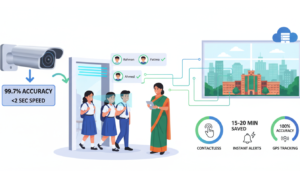
Biometric tracking for employee attendance & absenteeism A biometric device can manage time and attendance across schools or organizations by recording work hours, arrival and departure times, days worked, overtime hours and incentives, staff presence, identification of ghost workers, and counts of punctual, late or absent employees. Biometric technology adoption as a technique for tracking employee attendance at government-run schools in the Eastern Cape, 2023
- Sensor and capture module: Collects the raw biometric sample in a controlled way.
- Template creation and storage: Converts the sample into a non-reversible template for secure matching.
- Matching engine: Compares live scans with stored templates using AI or pattern-matching algorithms.
- Sync and reporting layer: Timestamps events and syncs them with HR and payroll systems for reporting.
Together, these elements create tamper‑resistant time logs; understanding the pipeline helps when comparing modalities and real‑world accuracy.
Which biometric technologies are used for employee time monitoring?
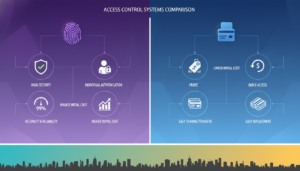
Common options are fingerprint scanners, face recognition, iris scanners, and, as a lower-security alternative, token-based methods like RFID. Fingerprint readers are popular for their balance of cost and speed, but they can struggle with dirty or worn fingers. Face recognition ( Best Face Recognition Attendance Systems…..) is contactless and fast, which helps hygiene and shift changes, but it needs good sensors and lighting. Iris scanning delivers high accuracy but tends to be costlier and more involved to enroll. RFID cards are easy to use but can be shared or duplicated. Choosing a modality requires weighing accuracy, environment, user acceptance, and budget factors we compare next.
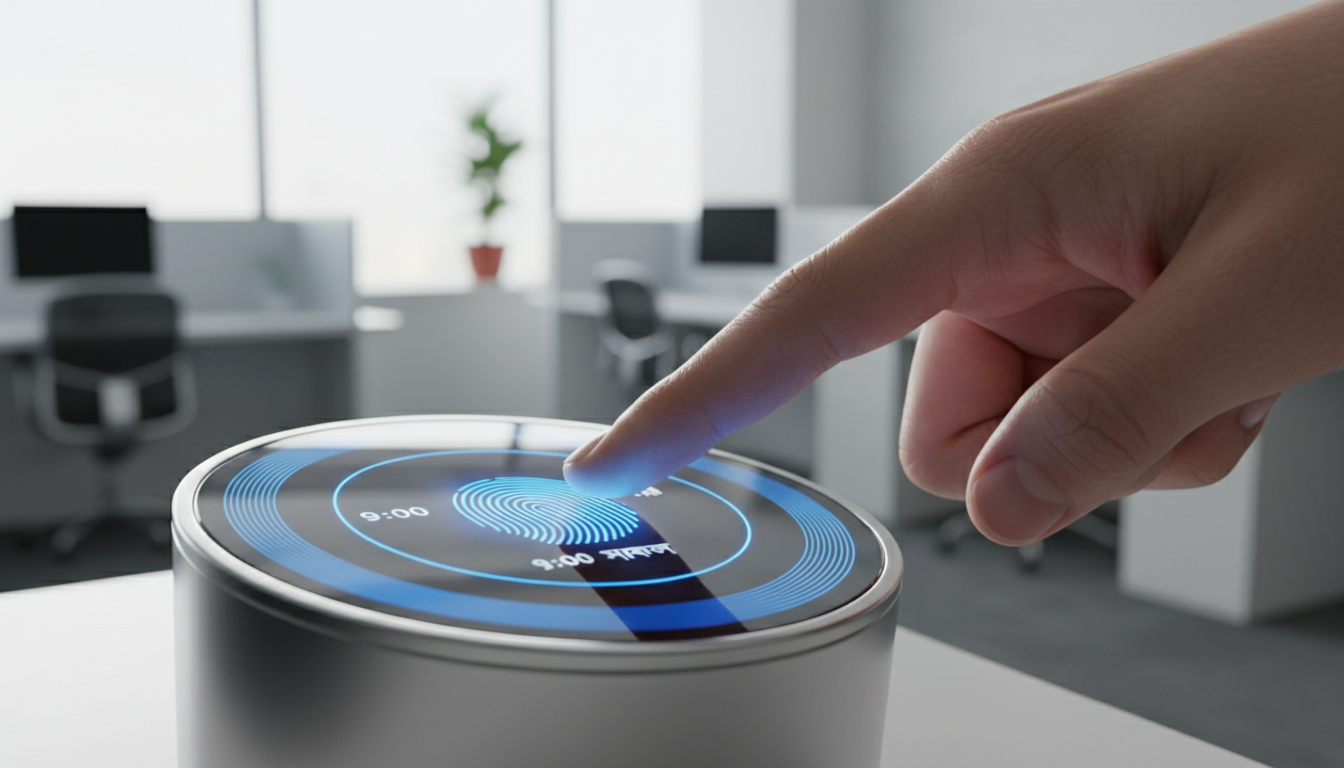
This comparison leads to how systems reliably capture, timestamp, and verify hours in daily operations.
How do biometric systems capture and verify employee hours accurately?
Accuracy depends on two core workflows: enrollment and verification. During enrollment, the system captures several high‑quality samples and stores a derived template rather than raw images. During verification, a live scan is matched against templates in 1:1 (confirmation) or 1:N (identification) mode, and a secure timestamp is recorded. Robust deployments sync device clocks to a central source, log metadata (device ID, location, attempt status) and apply attendance rules that distinguish breaks, overtime and absences. Good error handling sensible thresholds, fallback authentication and audit trails reduces false accepts and rejects while keeping operations running. That’s why deployment practices and algorithm quality matter as much as the sensor itself.
This operational perspective sets up an evidence‑based look at accuracy metrics and comparative reliability.
How accurate and reliable are biometric time-tracking systems?
Vendors measure accuracy with False Acceptance Rate (FAR), False Rejection Rate (FRR), and True Acceptance Rate. Operational performance varies by modality, algorithm maturity, and deployment conditions. In typical conditions, modern fingerprint systems often reach very high true acceptance with FRR in the low single digits and negligible FAR when properly configured. Contemporary face recognition models can match or exceed fingerprint reliability under favorable lighting. Published numbers differ by vendor and environment, so real‑world field testing is essential. The table below summarizes typical metric ranges and environmental sensitivity to give a practical sense of expected performance.
| Modality | Typical FAR/FRR range | Environmental sensitivity |
|---|---|---|
| Fingerprint | FAR: very low; FRR: 1–5% under normal conditions | Sensitive to dirt, cuts and moisture |
| Face recognition | FAR: low with modern AI; FRR: 1–6% depending on lighting | Sensitive to lighting and pose; contactless capture helps hygiene |
| Iris scanning | FAR: extremely low; FRR: <1% in controlled lab settings | Less affected by surface conditions; requires controlled capture |
| RFID / proximity | FAR/FRR not applicable (token-based) | Low environmental sensitivity but tokens can be shared or duplicated |
This practical comparison highlights modality strengths and why pilot testing matters before full roll‑out.
How do biometric systems prevent time theft and buddy punching?
Biometric systems reduce time theft by linking timestamps to unique, non‑transferable templates and logging metadata that makes spoofing harder. Common anti‑fraud controls include multimodal checks (face + PIN), liveness detection to block photos or videos, non‑reversible templates, and device logs that flag suspicious patterns (multiple punches at one station). Operational controls such as location checks and geo‑fencing for remote sites add further protection, while audit trails simplify investigations. When combined with clear policies and periodic reviews, these measures materially lower buddy‑punching and payroll leakage.
Studies regularly find these systems effective at reducing time theft and improving payroll accuracy.
Biometric attendance systembenefits: time theft & payroll accuracy Biometric technology is used for employee time management because it recognizes individuals’ unique physiological traits. Its adoption has grown because it helps prevent time theft and eliminates buddy punching — biometric traits can’t easily be duplicated. Manual attendance systems are time consuming and require constant oversight, whereas biometric systems save staff time, reduce overhead and provide accurate labor data for payroll and operations. The benefits of implementation of biometric attendance system, GM Mir, 2018
Those anti‑fraud features are effective, but environmental and technical factors can still affect sensor performance — which we examine next.
What environmental and technical factors affect biometric sensor reliability?
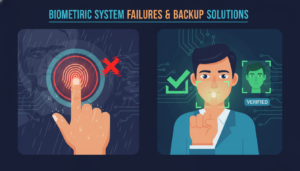
Sensor quality and software (Read more….to know Biometric attendance software ) determine how well a system tolerates real conditions like low light, dust, humidity or heavy manual work that affects fingerprints. Fingerprint readers can fail with grease, cuts or worn ridges; face algorithms need good lighting and correct camera placement; and firmware or algorithm updates can fix or, if mishandled, introduce problems. Regular device maintenance cleaning, firmware updates and calibration directly influences long‑term reliability. Network issues can delay syncing and create administrative overhead. Mitigations include choosing ruggedized devices for harsh sites, scheduling preventive maintenance and running acceptance tests that mirror local conditions before wider deployment.
With accuracy and reliability covered, we turn to the direct benefits these systems bring to small businesses and how to quantify payback.
What are the benefits of biometric attendance systems for small businesses?
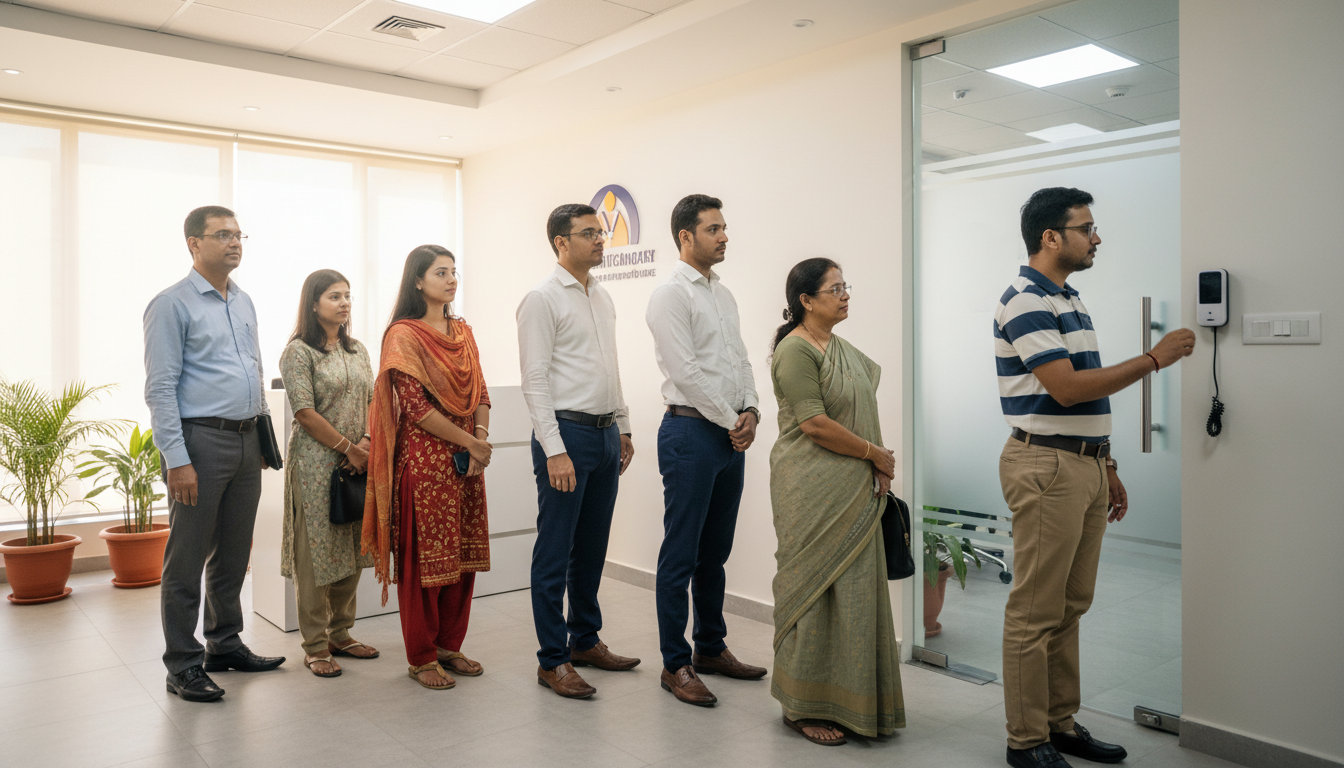
For small businesses, biometric attendance systems improve payroll accuracy, cut administrative time and reduce time theft all of which help control labor costs and maintain compliance. Automated attendance reporting and payroll integration remove manual entry, speed reconciliation and reduce disputes. Cloud platforms add scalability and let you enforce policies centrally across sites; APIs enable smooth integration with HR and accounting tools to automate downstream workflows. The table below links core features to typical business impacts so owners can estimate time saved and potential cost reductions.
| Feature | Attribute | Business impact (example SME) |
|---|---|---|
| Real-time monitoring | Live sync to cloud | Can reduce payroll reconciliation time by up to 50% |
| Automated payroll export | API connector | Removes manual data entry errors and speeds payroll runs |
| Anti-fraud biometrics | Liveness checks & template security | Lowers overpayments from buddy punching by a measurable amount |
| GPRS / remote connectivity | Offline sync for remote sites | Keeps consistent records for distributed worksites |
This mapping shows how specific features translate into operational savings and why feature selection affects expected ROI.
How do biometric systems improve HR efficiency and reduce administrative burden?
Biometric systems automate attendance capture, produce reliable shift reports and apply rule‑based calculations for overtime, lateness, and break deductions. With proper integration, time events flow straight into payroll or HR dashboards, cutting validation and dispute handling time. Smaller HR teams benefit most: automated exception handling and centralized reporting let managers focus on operations instead of timesheet policing. When you calculate ROI, include savings from reduced admin hours, fewer payroll corrections and more accurate labor allocation to projects or clients.

Research supports this view: businesses often prioritize security, attendance accuracy and process automation when adopting biometric technologies.
Business benefits of facial biometrics for HR & attendance A survey found consistent expectations across security, HR and production use cases. Businesses expect facial biometrics to enhance security, improve attendance systems and automate processes. Perceived benefits include preventing unauthorized access, reducing mistakes and improving service delivery. Implementation of facial biometric technologies: A business perspective, J Taborecka-Petrovicova, 2022
These efficiency gains support measurable cost savings, which help guide device choice and deployment scale.
What cost savings and ROI can small businesses expect from biometric solutions?
ROI depends on headcount, existing error rates, and automation level, but many SMEs recover investment within 12–36 months through reduced overpayment, lower admin costs, and fewer disputes. A simple ROI formula is: (annual payroll leakage + annual admin time cost saved) ÷ total annualized system cost = payback ratio. Ways to improve ROI include automating payroll exports, using cloud dashboards to reduce regional admin and choosing devices suited to local conditions to lower maintenance. Running a small pilot validates your assumptions before you expand.
How does face recognition compare to fingerprint-based attendance systems?
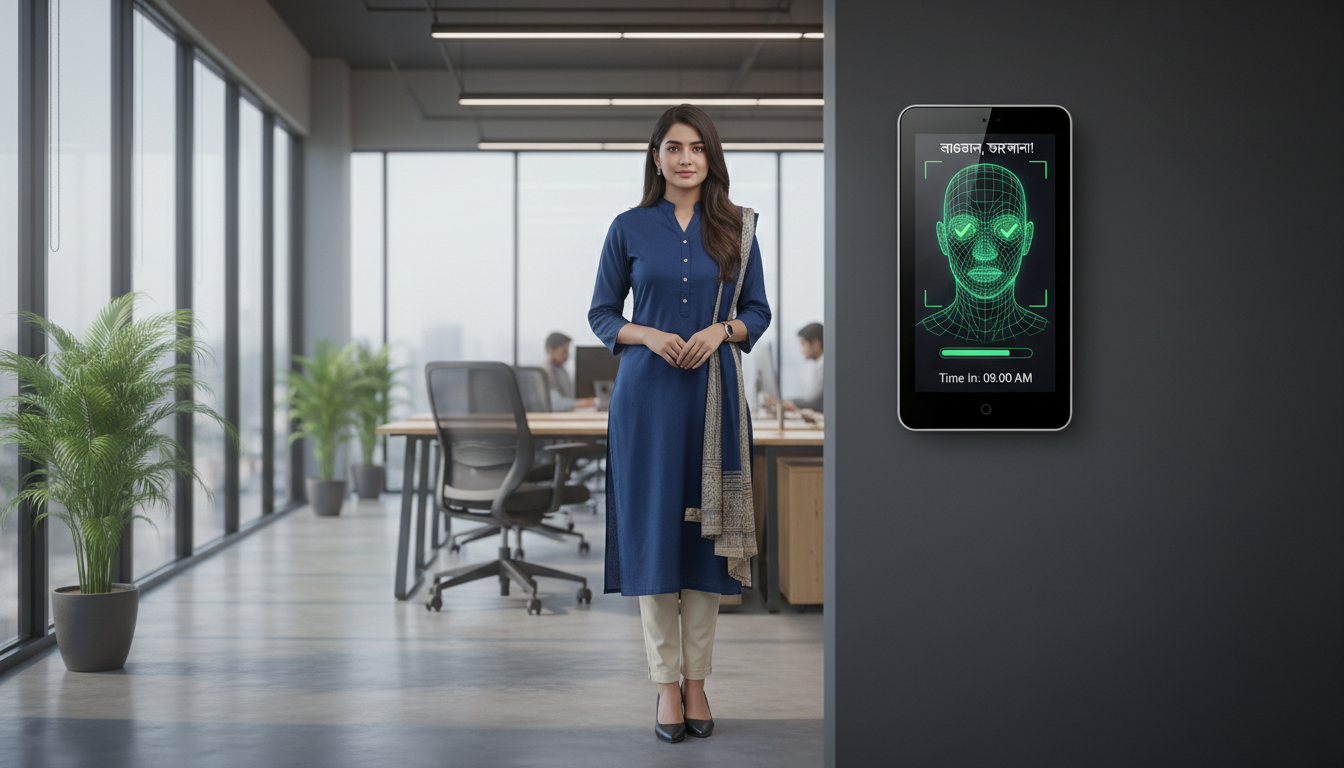
Face recognition and fingerprint scanning have different trade-offs in accuracy, hygiene, speed and cost; the best choice depends on your workplace and users. Face recognition is contactless, reduces queues at busy gates and suits hygiene‑sensitive environments, but it needs consistent lighting and good cameras. Fingerprint scanners are usually cheaper per device and work well indoors, but require contact and can fail with dirty or damaged fingers. A hybrid setup (fingerprint + face or PIN fallback) can improve anti‑spoofing and reduce false rejects across diverse workforces. Consider environment, throughput, and employee acceptance when choosing.
Use this short checklist to guide modality selection for small businesses aiming for a balance between accuracy and practicality.
- Assess environment: Choose face recognition for contactless, high‑throughput needs; choose fingerprint for controlled indoor settings and tight budgets.
- Measure user factors: For manual laborers with worn fingerprints, consider face or iris.
- Plan for integration: Confirm the system supports cloud sync or local storage required by your HR tools.
This checklist clarifies selection criteria and helps you evaluate vendors and support options.
What are the key features and accuracy differences between face recognition and fingerprint scanning?
They differ mainly in capture method, error profiles, and environmental sensitivity. Face systems can reach low FRR with modern models, but need good lighting; fingerprint readers perform reliably in many indoor settings, but are affected by finger condition. Both can deliver high true acceptance with AI‑enhanced matching and quality sensors, but operational FRR and FAR will vary by deployment. Throughput is another factor: face recognition typically handles many users quickly at a checkpoint, easing shift changes. The final choice balances device cost, maintenance needs, and how you handle occasional false rejects.
Which biometric method is more suitable for small business environments?
Most small businesses choose based on cost, ease of use, and environmental robustness. Fingerprint systems suit controlled offices; face recognition works well for hygiene‑sensitive or busy entrances. Hybrid deployments (fingerprint with face or PIN fallback) reduce modality-specific failures and increase acceptance. Remote or harsh sites should use rugged devices and alternative connectivity like GPRS to keep data synced. Run a pilot that mirrors daily conditions to validate performance before scaling.
Choosing the right approach reduces long‑term support needs and improves reliability. Next, we cover how biometric data should be protected.
How is data security and privacy ensured in biometric attendance systems?
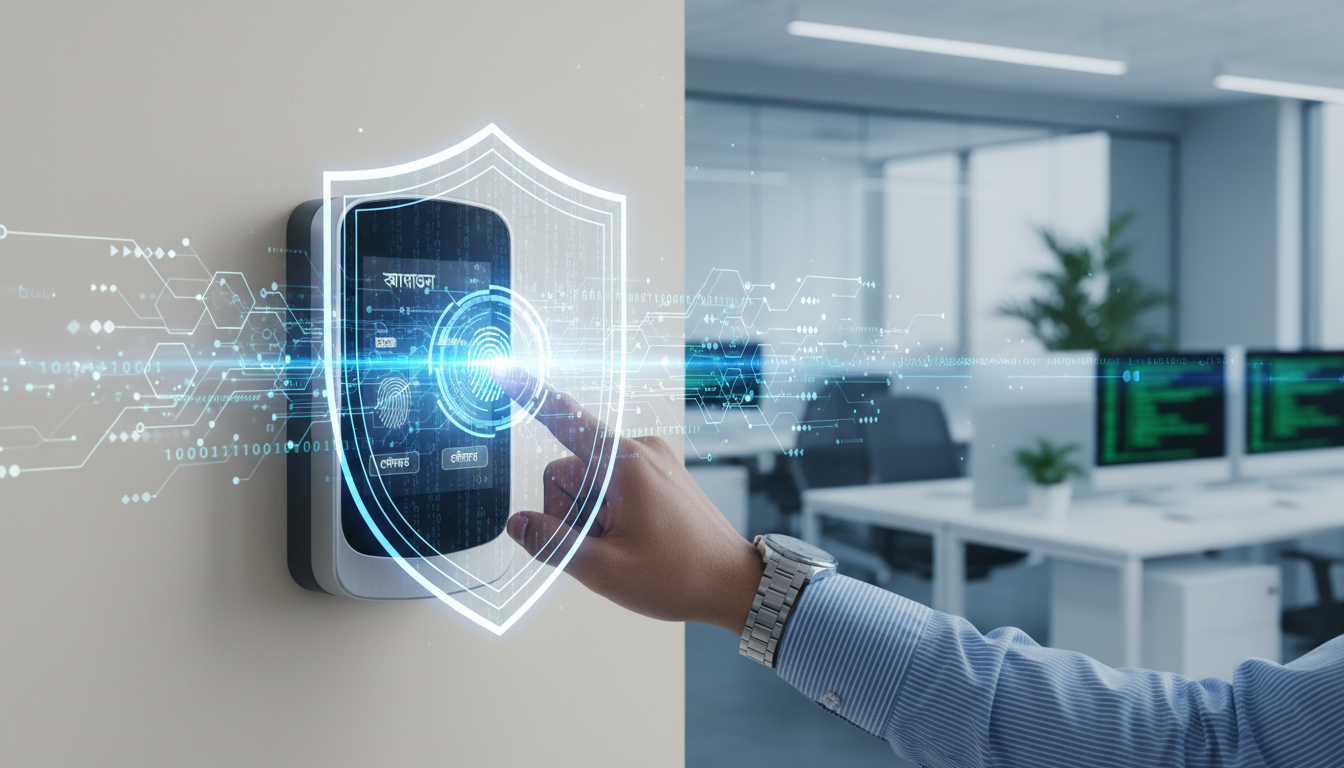
Privacy is protected by storing templates (not raw images), encrypting data in transit and at rest, and enforcing access controls and logging to limit who can view or export attendance records. Templates are non‑reversible mathematical representations, which lowers re‑identification risk when implemented correctly. Best practices include role‑based access, audit logs, secure key management, and retention policies aligned with local expectations. Clear employee communication and appropriate consent further build trust and help meet regulatory obligations.
What measures protect biometric data from unauthorized access?
Key protections are end‑to‑end encryption, separated template storage, role‑based permissions, and tamper‑evident audit logs that record access and configuration changes. Vendors should support secure device authentication, integrity checks for firmware, and configurable data‑retention settings so employers can limit stored artifacts. Organizations should enforce consent, data minimization, and regular access reviews. Verifying these controls during procurement and embedding them in vendor contracts reduces liability and increases employee confidence.
How do biometric systems comply with data privacy regulations and build trust?
Compliance generally requires a lawful basis for processing, clear employee notices, minimal retention and contractual safeguards with vendors. Publish concise explanations of why you use biometrics, how templates are stored, retention timelines, and fallback authentication methods. Regular audits and vendor commitments on encryption and breach notification strengthen trust. Because laws vary by jurisdiction, have local counsel review policies and contracts before deployment.
Why choose Tipsoi’s AI-powered biometric attendance solutions for reliable employee monitoring?
Tipsoi delivers biometric attendance systems and HR solutions tailored to businesses in Bangladesh. Core offering: Tipsoi Smart Attendance Devices. According to available information, Tipsoi emphasizes AI‑enhanced matching for improved accuracy, a cloud platform with API integration, 24/7 technical support, customizable software, and GPRS connectivity for remote sites. These capabilities combined with practical support and cloud sync address the reliability and integration needs we discussed earlier. When evaluating vendors, request local demos and performance data under your operating conditions to verify claimed benefits.
- AI‑enhanced matching: Raises true acceptance and reduces false rejects in mixed lighting.
- Cloud platform with API: Automates payroll exports and centralizes reporting across sites.
- GPRS connectivity: Keeps remote locations connected where conventional networks are unreliable.
- 24/7 technical support: Minimizes downtime and helps preserve device health for consistent performance.
(Do not invent technical specs not provided in allowed_business_info)
Tipsoi’s stated capabilities AI‑powered biometrics, cloud integration, API support, customizable software, GPRS connectivity and round‑the‑clock assistance describe vendor features that improve reliability without requiring speculative specifications. Practical benefits include faster reconciliation through automated exports, lower maintenance overhead with remote diagnostics, and reduced buddy punching through liveness checks. Always request a site demonstration to validate performance and ensure the vendor’s support model meets your operational needs.
How does Tipsoi support small businesses with integration and 24/7 technical assistance?
Tipsoi provides onboarding and integration support to connect devices with payroll and HR systems via APIs, plus continuous technical assistance to keep systems online. Their approach includes custom configuration for local attendance rules and remote diagnostics for sites using GPRS or intermittent networks, which reduces on‑site visits. For small businesses, hands‑on onboarding and easy access to support speed implementation and protect ROI by ensuring accurate data flows into payroll. By combining cloud tools, API connectors, and round‑the‑clock support, Tipsoi turns technical features into day‑to‑day reliability for employers.
Those support capabilities form the practical foundation that helps biometric accuracy and security practices deliver consistent results in live deployments.
Frequently asked questions
What are the main advantages of using biometric attendance systems over traditional methods?
Biometric systems reduce time theft and buddy punching by tying attendance to unique, non‑transferable traits, which improves payroll accuracy and cuts administrative work. They automate attendance capture and reporting, reduce human error, and speed reconciliation. Integration with payroll systems further streamlines processes, making it easier for businesses to manage employee hours accurately.
How do biometric attendance systems handle employee privacy concerns?
These systems protect privacy by storing non‑reversible templates instead of raw images, encrypting data in transit and at rest, and enforcing role‑based access. Employers should communicate data handling policies clearly and obtain any required consent. Regular audits and compliance with local data protection rules further strengthen trust.
Can biometric attendance systems be integrated with existing HR software?
Yes. Many systems offer API connectors that allow automated data transfer to payroll and HR platforms. This integration reduces manual entry and errors. Before buying, confirm the biometric solution supports the HR tools you already use to ensure a smooth transition.
Can biometric attendance systems be integrated with existing HR software?
Yes. Many systems offer API connectors that allow automated data transfer to payroll and HR platforms. This integration reduces manual entry and errors. Before buying, confirm the biometric solution supports the HR tools you already use to ensure a smooth transition.
What should businesses consider when choosing a biometric modality?
Consider the deployment environment, user demographics and budget. Fingerprint scanners work well for controlled indoor settings; face recognition suits high‑traffic or hygiene‑sensitive areas. Employee acceptance and ease of use are important. Run a pilot to evaluate effectiveness in real conditions before full deployment.
How do biometric systems ensure accuracy in time tracking?
Accuracy comes from quality sensors, strong matching algorithms and careful enrollment. Systems capture multiple enrollment samples, match live scans to templates and record secure timestamps. Error handling — including fallback methods and audit trails helps minimize false accepts and rejects, keeping attendance records trustworthy.
What are the potential challenges of implementing biometric attendance systems?
Challenges include upfront costs, employee concerns about privacy and technical issues related to environmental conditions. Address privacy with transparent policies and consent processes, and plan for regular maintenance. A small pilot and clear vendor SLAs reduce implementation risks.
How can businesses measure the return on investment (ROI) from biometric attendance systems?
Measure ROI by tracking reduced payroll errors, time saved on administration and fewer instances of time theft. A straightforward formula is: (annual payroll leakage + annual admin time cost saved) ÷ total annualized system cost = payback ratio. Monitor these metrics after deployment to confirm the financial impact and payback timeline.
Conclusion
Biometric attendance systems offer clear benefits: better payroll accuracy, reduced time theft and streamlined HR processes. When paired with strong security practices and the right deployment strategy, they improve operational efficiency while protecting employee privacy. For businesses looking to modernize attendance management, AI‑enhanced biometric solutions can deliver measurable improvements in productivity and cost control. Contact Tipsoi to see how our biometric systems can help you simplify attendance and payroll workflows.