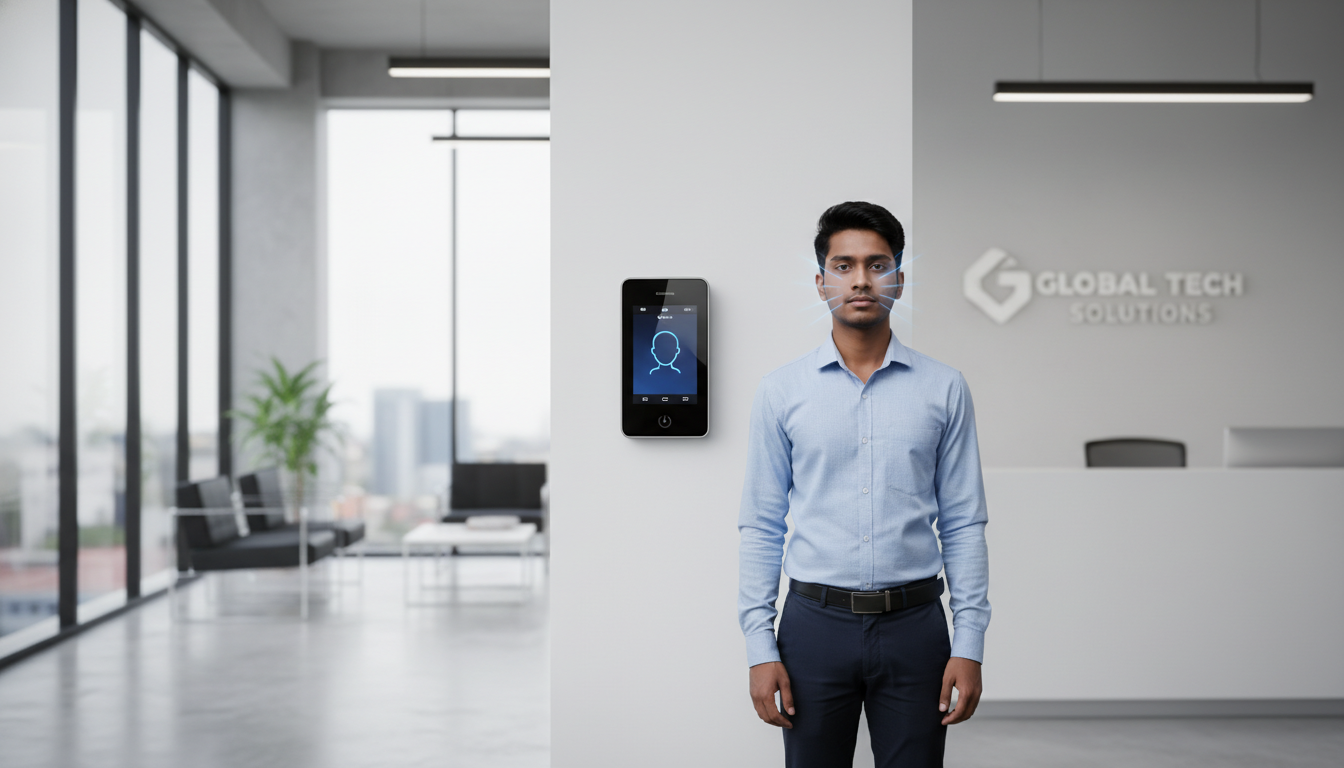
Biometric attendance vs traditional time tracking is one of the most important decisions small business owners face when trying to control payroll costs, reduce errors, and improve workforce accountability.
Manual time tracking paper logs, punch cards, spreadsheets, or shared PINs and RFID tokens depends on people remembering to record hours and on supervisors to check accuracy. That creates extra admin work and leaves room for mistakes and misuse. Biometric attendance systems, by contrast, use unique physical or behavioral traits (fingerprints, facial patterns) to verify identity automatically, cutting reconciliation and boosting accuracy.
This guide walks small business owners through how each approach works, the practical trade-offs (operational and financial), privacy and rollout considerations, and a simple checklist to pick the right solution. You’ll see which traditional methods still make sense, how biometric modalities stop common forms of time theft, and how to evaluate devices and ROI for payroll and HR automation.
What Is Traditional Time Tracking and How Does It Impact Small Businesses?
In the biometric attendance vs traditional time tracking comparison, traditional systems represent the most basic approach to recording work hours. These methods include manual entries, mechanical punch clocks, and simple digital logs.. These systems only record a timestamp tied to a name, card, or entry, so they depend on people to be accurate and honest. For small businesses that often means routine reconciliation, late payroll fixes, and exposure to buddy punching and time theft issues that quietly erode margins. Seeing the recurring costs and failure points of these methods explains why many SMEs move toward biometric or cloud-enabled systems that automate verification and reporting. The section below lists common traditional methods and their trade-offs for a direct comparison.

Which Traditional Methods Are Commonly Used by Small Businesses?
Small businesses favor a few traditional approaches because they’re cheap to start and easy to run. Paper registers and hand-written logs are still common in micro-businesses: setup costs are negligible, but the ongoing admin for timesheet checks and error corrections adds up. Punch-card machines are simple but can be abused and require storage and manual payroll entry. Spreadsheets and manual timecards bring digital convenience but remain error-prone and need someone to validate entries. Semi-digital RFID or PIN systems cut clerical steps but can be shared or misused. In short, low upfront cost often means higher recurring time and accuracy costs as your team grows.
Introductory table: common traditional methods and their ongoing impacts.
| Method | Typical Ongoing Cost | Error / Fraud Risk |
|---|---|---|
| Paper register | Hourly admin for reconciliation | High (manual errors, lost pages) |
| Punch card | Supervisor review time | High (buddy punching possible) |
| Spreadsheet/manual entry | Payroll admin and correction time | Medium-High (data entry errors) |
| RFID card / PIN | Card replacement and admin | Medium (card sharing, PIN sharing) |
The table highlights a common trade-off: a low setup price can hide steady administrative expenses and payroll fixes. The next section breaks down those hidden costs more concretely.
What Are the Hidden Costs and Challenges of Manual Attendance?
Manual attendance systems hide recurring time and money drains that buyers often overlook. Hidden costs include payroll staff hours spent verifying timesheets, manager time for approvals and corrections, overpayments from undetected time theft, and indirect effects such as reduced morale when employees see unfairness. For example, a twenty-person company that spends a few hours each payroll cycle on reconciliation can lose hundreds of productive hours per year time better spent on core work. Paper trails and spreadsheets also complicate audits and compliance, raising risk during inspections or tax reviews. Adding these ongoing costs usually makes automated verification systems a more attractive option.
How Do Biometric Attendance Systems Work and Benefit Small Businesses?
Biometric attendance systems scan a physical or behavioral trait, convert that scan into a secure template, and match the template at each clock-in to log attendance automatically. The typical flow is: capture (fingerprint or face), template creation (a mathematical representation), secure storage (encrypted on-device or in the cloud), and matching at clock-in to create a reliable timestamp.
For small businesses, the practical benefits are clearer accuracy, reduced buddy punching and time theft, faster payroll via automated exports, and real-time insight into attendance patterns. Connectivity options – cloud, LAN, Wi‑Fi, or GPRS let you deploy in offices, shops, or remote sites and support payroll integration and manager mobile access. After this overview, we map those capabilities to vendor choices and procurement needs.
Research shows that adding facial recognition and similar technologies can boost payroll accuracy and improve employee confidence in pay.
Improving Payroll & Attendance with Face Recognition Employee satisfaction with compensation affects productivity, retention, and workplace morale. Traditional payroll systems often struggle with errors and delays that undermine trust. This study examines how adding face recognition and automated attendance monitoring can address those problems and improve employee satisfaction. Employee satisfaction on compensation system: Basis for an improved payroll management system with face recognition and attendance monitoring technology, RE Encarnacion, 2024
Tipsoi is a technology firm focused on biometric devices and HR solutions for the Bangladesh market. We offer IoT-enabled attendance hardware (fingerprint, facial recognition, RFID), cloud dashboards, mobile apps, payroll automation, access control, local installation and support, a one-year machine warranty, and scalable setups for SMEs up to larger enterprises. Our core product family is Tipsoi Smart Attendance Devices (Fastface series, TF-80, Prompt series).
Introductory list: three primary operational benefits of biometric attendance for SMEs.
- Greater Accuracy : Automated matching reduces manual entry mistakes and records precise timestamps.
- Fraud Prevention : Unique biometric traits are far harder to share, cutting down on buddy punching and time theft.
- Payroll Automation : Live logs and export tools speed payroll and shrink reconciliation work.
Together, these benefits lower admin load and build payroll confidence. Next we compare modalities so you can pick what fits your site.
What Are the Key Biometric Technologies: Fingerprint, Facial Recognition, and RFID?
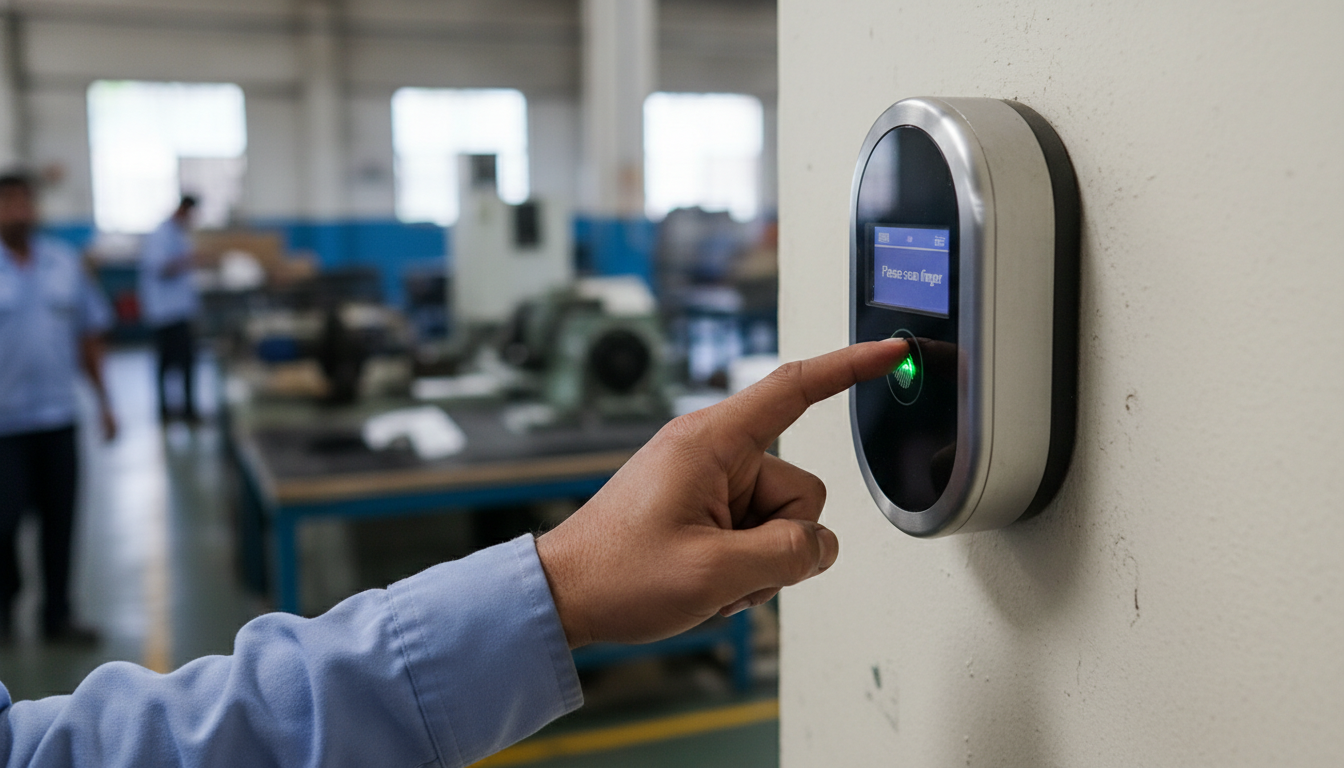
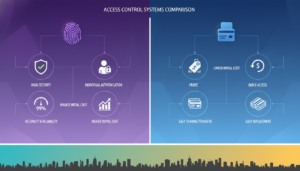
Fingerprint scanners, facial recognition units, and RFID card systems sit on different points of the cost, hygiene, and convenience spectrum. Fingerprint scanners are proven and cost-efficient, delivering high accuracy for moderate traffic but requiring touch and vulnerable to worn or dirty fingers. Facial recognition is contactless, scales well at busy entrances, and supports better hygiene hardware costs are typically higher but falling. RFID is token-based (not biometric): it’s fast and convenient but open to card sharing unless paired with PIN or biometric checks. Your choice depends on throughput, hygiene needs, budget, and how much fraud risk you can tolerate.
EAV comparison: biometric modalities vs key attributes.
| Modality | Accuracy & Speed | Contactless? | Cost Consideration |
|---|---|---|---|
| Fingerprint | High accuracy, moderate speed | No | Lower hardware cost |
| Facial recognition | High accuracy, higher throughput | Yes | Higher hardware cost |
| RFID (card) | Moderate accuracy, fastest speed | Yes | Low hardware cost, higher fraud risk |
In short: contactless facial systems ease hygiene and throughput, while fingerprint devices are a budget-friendly fit for smaller teams with lower visitor flow.
What Advantages Do Biometric Systems Offer Over Traditional Methods?
Biometric systems convert identity verification into automated, tamper-resistant timestamps that cut reconciliation and deter fraud. They can meaningfully reduce time theft industry figures often cite reductions in buddy punching of 50% or more and improve payroll accuracy by producing auditable logs that integrate with HR systems. Real-time dashboards give managers instant visibility into late arrivals, absenteeism trends, and overtime, so you can schedule proactively and control labor costs. Automation speeds up payroll cycles and frees HR from routine validation work, letting teams focus on higher-value tasks while improving audit readiness.
Independent research also highlights measurable operational gains and cost savings from biometric deployments.

Biometric Attendance Benefits: Time Theft, Overhead, & Productivity Biometric technology is increasingly used for employee time management because it can identify individuals by unique physiological features. Its benefits reducing time theft, lowering staffing overhead, and providing accurate labour data for payroll have driven broad adoption. Compared with manual attendance methods, biometric systems save time, increase transparency, and support better operational control. This paper reviews the advantages and implementation considerations for organizations of varying sizes. The benefits of implementation of biometric attendance system, GM Mir, 2018
Short list: measurable operational benefits for SMEs.
- Reduced payroll errors and fewer manual adjustments.
- Lower administrative hours for HR and supervisors.
- Improved auditability with clear, exportable logs.
These improvements help small businesses control labor costs while keeping time tracking fair and dependable.
What Are the Common Concerns and Limitations of Biometric Attendance for SMEs?
Biometric systems do raise real concerns privacy, upfront cost, and environmental reliability among them but most can be managed with thoughtful design and vendor practices. Privacy questions focus on how biometric data is captured, stored, and used; picking solutions that store templates (not raw images), use encryption, and keep access logs reduces risk. Initial hardware and installation expenses can be offset by payroll savings, but calculate total cost of ownership (TCO), including warranty and support. Technical limits such as false rejects in poor lighting for facial systems or dirty fingerprint sensors are minimized through device choice, placement, and basic user training. The next subsections explain privacy protections and cost/implementation details.
How Is Employee Privacy Protected in Biometric Systems?
Employee privacy improves when systems store biometric data as mathematical templates rather than raw images and use encryption both in transit and at rest. Proper hashing and encryption make templates non-reversible into identifiable photos or prints, while role-based access controls and audit logs show who accessed data and when. Employers should follow notice-and-consent best practices, publish a clear privacy policy, and limit access to HR and authorized admins. Using reputable cloud storage with strong encryption and routine security checks further reduces risk while keeping the traceability auditors expect.
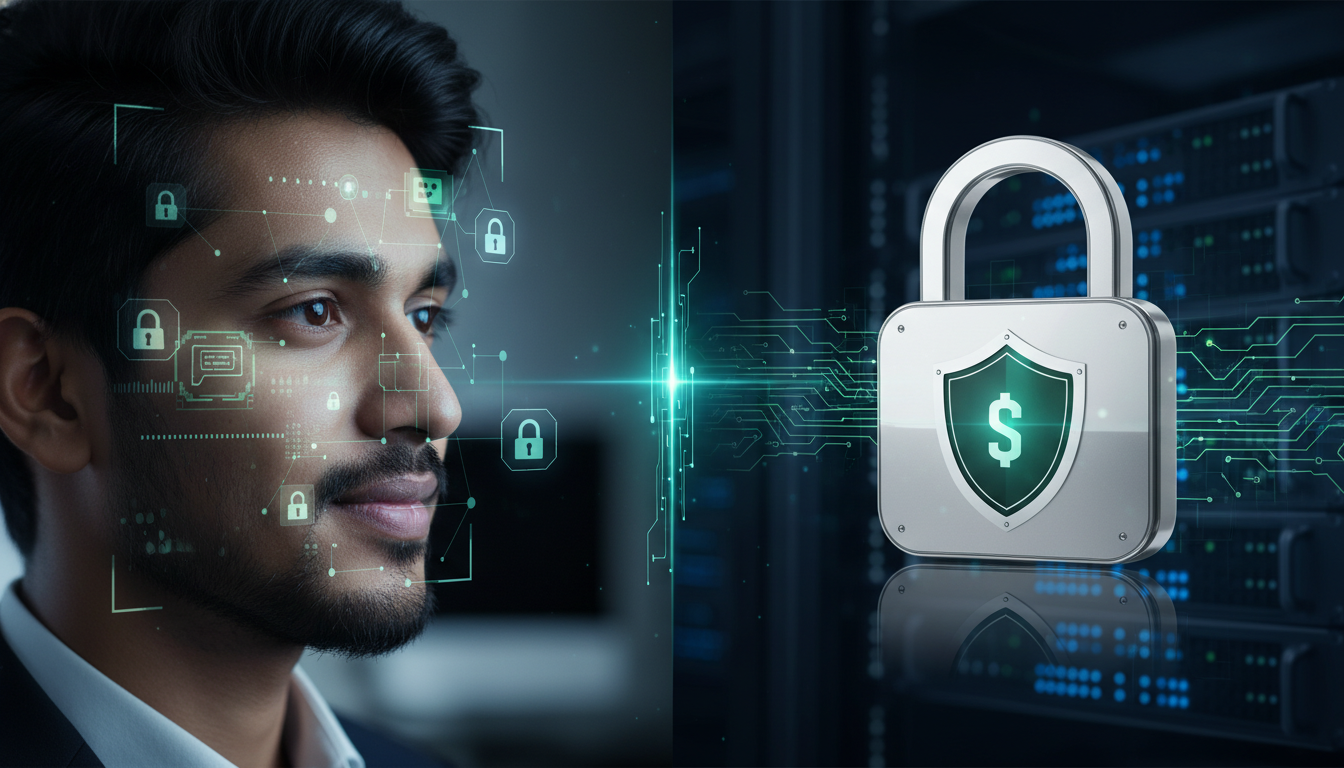
Even with these safeguards, it’s important to recognize broader privacy debates and deployment issues around facial recognition.
Facial Recognition: Privacy Concerns & Deployment Guidelines Research highlights both perceived benefits and public concerns across different facial recognition use cases. People report worries about accuracy, potential bias, privacy of collected information, and the broader ‘dragnet’ effect of widespread deployment. The study recommends transparency, user control, and clear deployment guidelines to reduce risks and build public trust. Facial recognition: Understanding privacy concerns and attitudes across increasingly diverse deployment scenarios, S Zhang, 2021
What Are the Cost and Implementation Considerations for Small Businesses?
Implementation costs include device purchase or subscription fees, installation, payroll/HR integration, and staff training. Warranty, local support, and on-site installation are important because rapid service reduces downtime and adoption friction. Financing or subscription models can ease the initial capital burden compare TCO over 2–5 years and include saved admin hours and reduced payroll leakage. Plan change management carefully: communicate clearly with employees, run a pilot, and set simple fallback procedures for connectivity outages so the rollout goes smoothly. The next section shows how vendor devices map to these practical needs.
How Do Tipsoi’s Smart Attendance Devices Provide Solutions for Small Businesses?
Tipsoi Smart Attendance Devices are designed to address the common problems small businesses face: slow reconciliation, time theft, and payroll friction. We combine fingerprint, facial recognition, and RFID hardware with cloud dashboards and mobile apps to automate logs and simplify payroll exports We provide local installation and support to reduce setup friction and back our machines with a one-year warranty. For businesses moving away from manual methods, our bundled approach—hardware, multiple connectivity options (Wi‑Fi/LAN/GPRS), and payroll connectors—speeds integration and shortens time to value. The product mapping below helps you pick the device that fits your traffic, hygiene needs, and budget.
EAV table: Tipsoi device mapping for buyer decision-making.
| Tipsoi Device | Modalities & Connectivity | Integrations / Support |
|---|---|---|
| Fastface series | Facial recognition; WiFi/LAN/GPRS | Cloud dashboard; mobile app; access control |
| TF-80 | Fingerprint + RFID; LAN/WiFi | Payroll export; on-site installation; warranty |
| Prompt series | Fingerprint/RFID/PIN; GPRS capability | Real-time data; dedicated support; scalable deployments |
This mapping shows typical fits: Fastface for contactless, high-throughput entrances; TF-80 for cost-conscious fingerprint + RFID setups; and Prompt for mixed-mode or remote sites. The following subsection explains common integration patterns for payroll.
Which Tipsoi Devices Feature Facial Recognition, Fingerprint, and RFID Technologies?
Our product lines reflect common SME needs. The Fastface series focuses on facial recognition for contactless, high-traffic entrances where hygiene and speed matter. TF-80 models pair fingerprint scanning with optional RFID for organizations balancing cost and biometric assurance. The Prompt series supports fingerprint, RFID, and PIN combinations to handle mixed workforces and to provide reliable fallback methods. All models support multiple connectivity modes Wi‑Fi, LAN, and GPRS so locations with limited infrastructure can still capture attendance reliably. Choose based on throughput, contactless preference, and the level of payroll integration you require.
How Does Tipsoi Ensure Seamless Integration with HR and Payroll Systems?
Tipsoi integrates via cloud exports and APIs or pre-built connectors that push validated attendance logs to payroll and HR software on configurable schedules. Where connectivity allows, data can sync near real-time; in low-bandwidth sites we support batched exports for periodic payroll cycles. Our on-site installation and support help map local payroll rules overtime, shift differentials, and custom settings into the export templates. For SMEs, pre-built connectors and configurable formats reduce manual reconciliation and shorten the integration timeline.

How Can Small Businesses Choose the Right Attendance System for Their Needs?
Choosing the right system means matching your business profile size, shift patterns, security needs, and connectivity to the right modality and vendor capabilities. Start by assessing headcount and entry throughput, fraud exposure, hygiene or contactless preferences, network reliability at each site, and payroll integration needs. Factor in total cost of ownership, warranty and local support, and the vendor’s installation track record. Employee acceptance and compliance requirements often determine whether a technically capable system delivers real operational gains, so include them in your evaluation.
Introductory checklist: decision factors to guide selection.
- Business size and throughput : Do you need fast, contactless scans at busy doors?
- Security and fraud risk : Is buddy punching or card sharing a material cost?
- Connectivity needs : Do your sites have reliable internet or limited bandwidth?
- Integration and support : Will you need payroll connectors and local installation?
A clear procurement checklist helps you prioritise must-haves versus nice-to-haves, reduce rework, and ensure the chosen system delivers expected ROI.
What Factors Should Influence the Choice Between Biometric and Traditional Systems?
Key factors are budget, ROI timeline, workforce behaviour, and compliance needs. If capital is tight but admin costs are high, consider subscription models or phased rollouts. For very small teams where trust is high and fraud risk low, RFID or PIN systems may suffice; for larger or multi-shift organisations, biometrics typically yield stronger long-term savings and control. Employee acceptance, local privacy rules, and access-control requirements also push many businesses toward biometrics. Weight these factors to build a deployment plan that balances cost and operational improvement.
How Does Future-Proofing Attendance Management Benefit Small Businesses?
Future-proofing means choosing cloud-first systems, modular hardware, and open APIs to reduce replacement costs and support growth. Cloud platforms make it easier to add remote sites and connect to evolving HR/payroll stacks, while modular devices can be upgraded or mixed without wholesale replacements. Advances in analytics and recognition accuracy increase value over time, and mobile apps give managers oversight on the move. Investing in scalable, API-friendly systems lowers long-term vendor lock-in and lets SMEs adopt new workforce features as needs evolve.
Frequently Asked Questions
What are the privacy implications of using biometric attendance systems?
Privacy concerns centre on how biometric data is collected, stored, and used. Reputable systems store biometric data as mathematical templates not raw images and encrypt data in transit and at rest. Employers should publish a clear privacy policy, obtain employee consent, and use role-based access controls and audit logs. Regular security audits and working with vendors who comply with data-protection standards further reduce risk. Choosing a vendor that is transparent about these practices is essential.
How do biometric systems handle employee time theft compared to traditional methods?
Biometric systems reduce time theft by tying clock-ins to unique physical traits, making it much harder for one person to clock in for another. Traditional methods like punch cards or shared PINs are vulnerable to buddy punching and falsified entries. Studies commonly report significant reductions in time-theft after biometric adoption often around 50% which results in more accurate payroll and a fairer workplace culture.
What are the costs associated with implementing biometric attendance systems?
Costs vary by hardware choice, installation, integration, and ongoing support. Initial expenses include devices, setup, and training, but vendors often offer financing or subscription options to lower upfront outlay. When evaluating cost, compare total cost of ownership over 2–5 years and include savings from reduced admin time and fewer payroll errors. While an initial investment may be higher than simple systems, the longer-term operational gains often justify it.
Can biometric attendance systems be integrated with existing HR software?
Yes. Many biometric systems provide APIs or pre-built connectors to sync attendance logs with HR and payroll software in real time or via scheduled exports. Before buying, confirm compatibility with your current HR stack and ask about configurable export formats and support for local payroll rules to ensure smooth integration.
What factors should small businesses consider when choosing between biometric and traditional systems?
Consider budget, workforce size, fraud exposure, and expected ROI. Also weigh employee acceptance, privacy rules, and whether you need contactless solutions. Small teams with low fraud risk may be fine with RFID or PIN systems; larger or multi-shift operations usually benefit more from biometric solutions. Use these factors to pick a system that fits your operational needs.
How do biometric systems ensure accuracy in attendance tracking?
Biometric systems authenticate employees using unique physiological traits fingerprints or facial features so timestamps become tamper-resistant. The automated matching reduces manual-entry errors and produces precise logs. Dashboards give managers visibility into attendance patterns, enabling quicker responses to lateness or absence and improving payroll reliability.
Which System Saves More Time and Reduces Errors for HR Teams?
Biometric systems typically save more time and reduce errors than manual or semi-manual methods because they automate identity verification and timestamp capture. Automated exports cut human data entry and reconciliation, and auditable logs reduce time spent resolving disputes. For a typical SME, reclaiming even a few hours a week of payroll admin adds up to significant annual savings and steadier payroll cycles. Robust integration options amplify those time savings.
Can Biometric Systems Operate Without Internet Connectivity?
Yes—many devices work offline by storing encrypted templates and attendance logs locally and syncing when a connection is available. Devices with GPRS/SIM fallback or LAN/Wi‑Fi redundancy can provide near-real-time sync in constrained networks, while batch exports serve periodic payroll cycles in very low-connectivity locations. When planning offline deployments, consider conflict-resolution strategies, local backups, and access to on-site support to keep device updates and data integrity in order. Clear offline workflows and vendor support prevent data loss and protect payroll accuracy.
Tipsoi is a technology company focused on biometric devices and HR solutions in Bangladesh. We provide IoT-enabled attendance hardware (fingerprint, facial recognition, RFID), cloud dashboards, mobile apps, payroll automation, access control, local installation and support, a one-year warranty, and scalable deployments for SMEs and larger organisations. Our primary products include the Fastface series, TF-80, and Prompt series.
This note summarises vendor capabilities that match the buying criteria and operational considerations discussed above, helping small businesses move from evaluation to procurement planning.
Conclusion
For most small businesses, biometric attendance systems deliver clearer accuracy, less time theft, and faster payroll compared with traditional methods. Automating attendance not only saves administrative time but also creates a fairer, more transparent workplace. Choosing the right biometric solution one that fits your throughput, connectivity, and integration needs can produce meaningful long-term savings and smoother operations. Explore our range of devices to see how we can help simplify attendance management for your business.