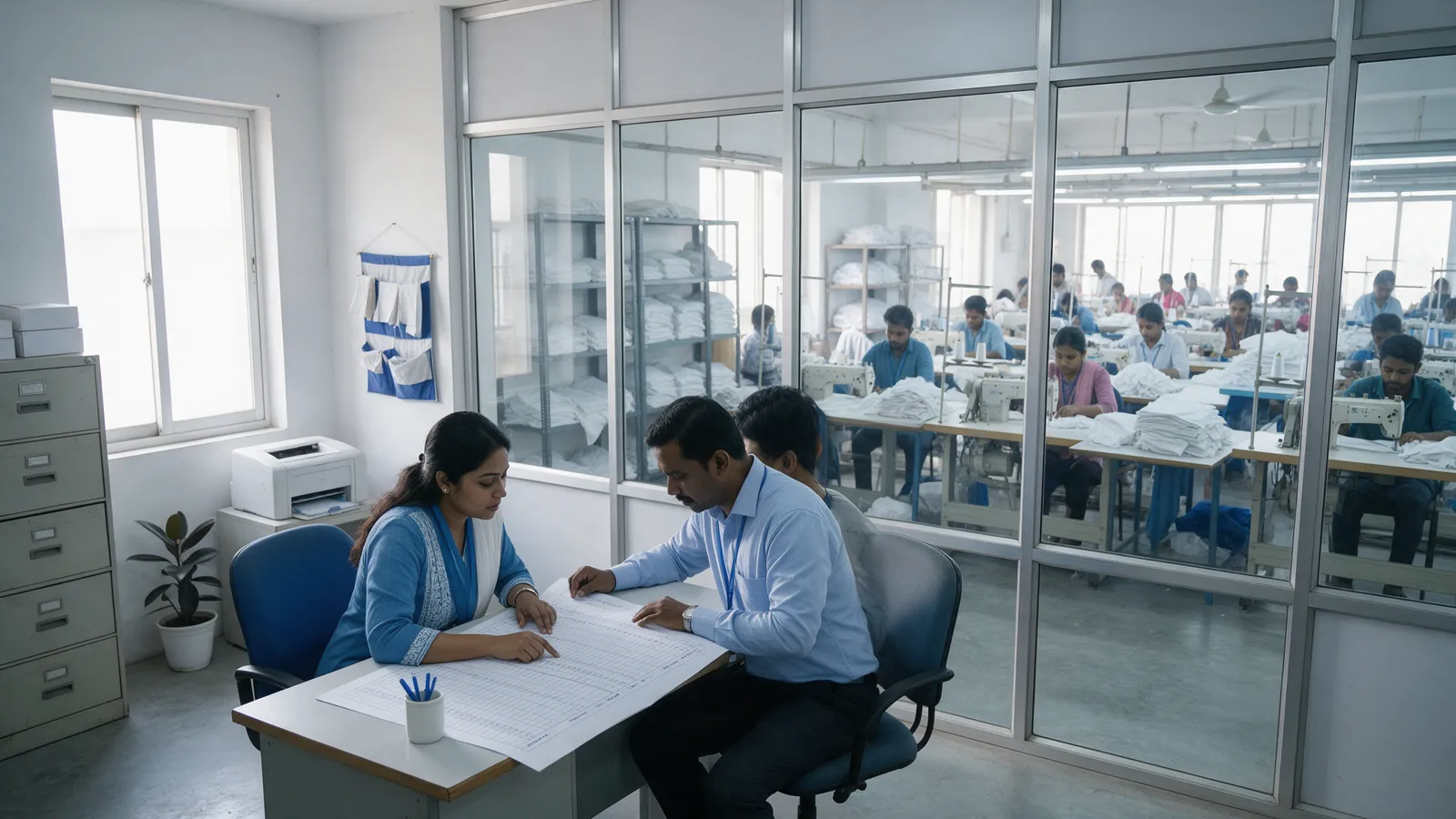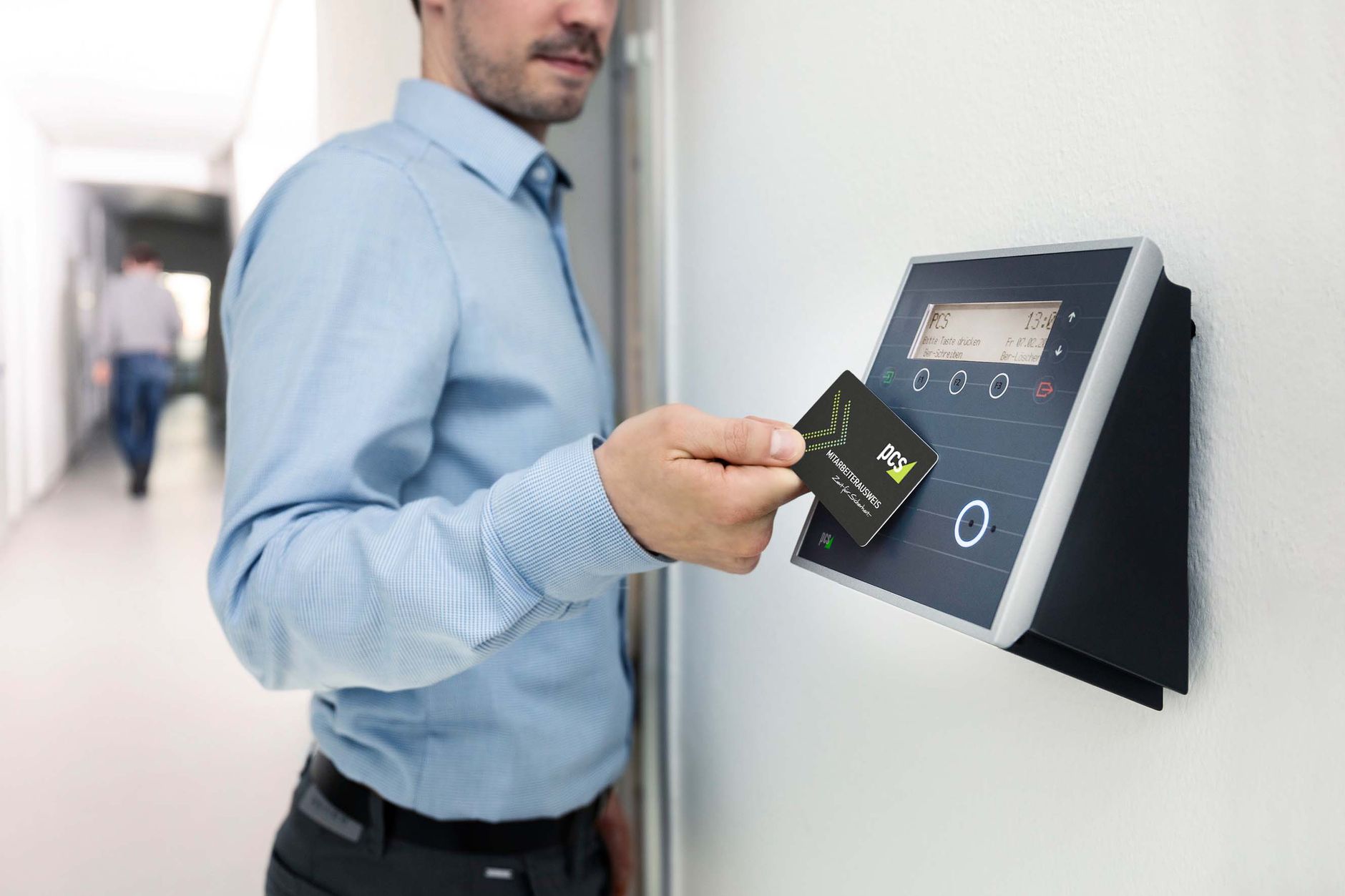

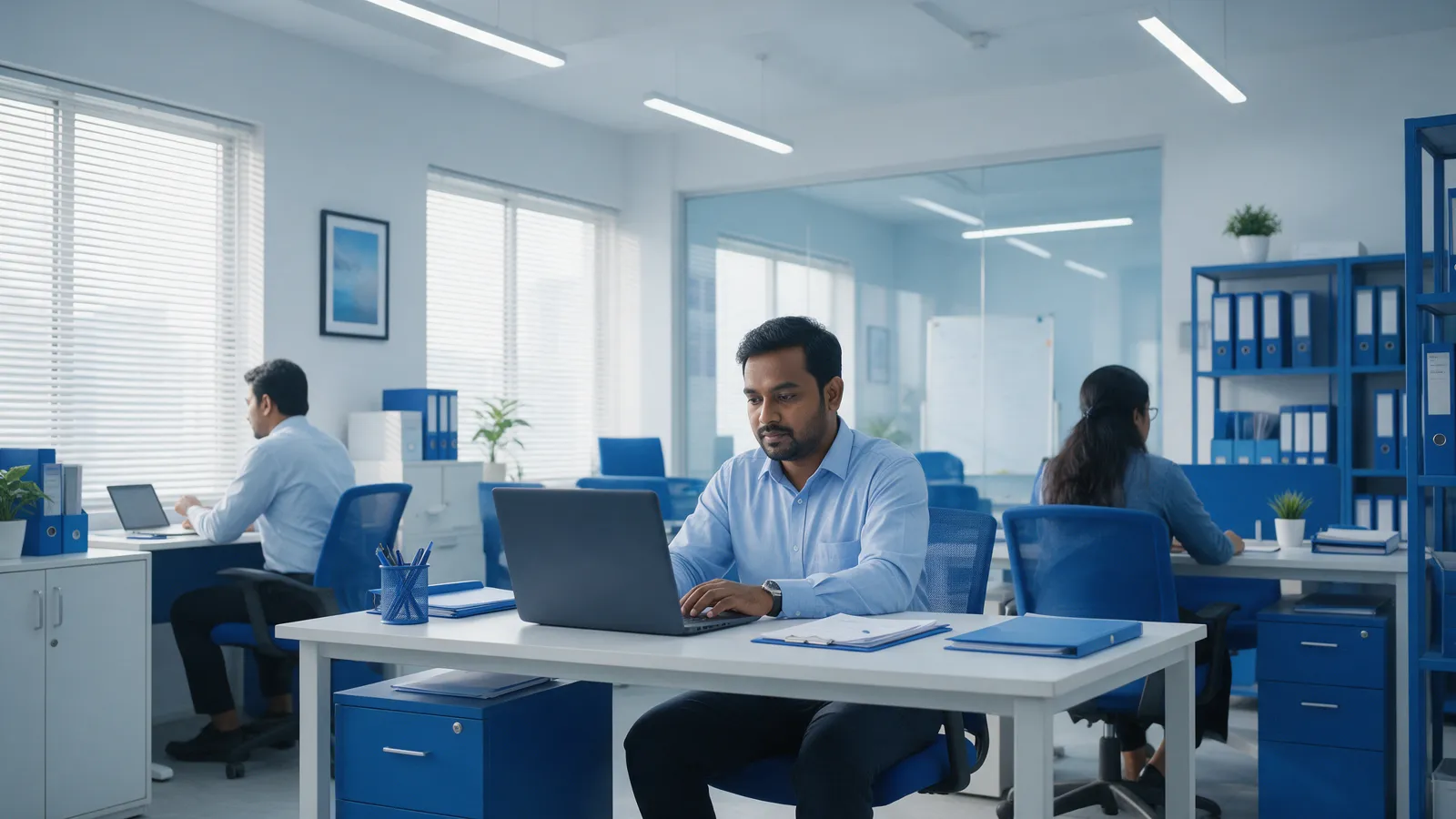
Hybrid work attendance is the record of where and when each person works. Teams now split days between the office, home and sites. So one office device may miss part of the story. This guide explains four simple models and mobile check-in. It also shows how to set it up. You can also download our Hybrid Attendance Setup Checklist to follow along.
Key takeaways
- Hybrid work attendance needs one record for office, home and field days.
- Four models cover most teams: Office Anchor, Flexible Core, Remote Verified, and Field and Site.
- Set it up in 5 steps. Test it with one team first.
- A missing office check-in does not automatically mean absence. Check leave, holidays and exceptions first.
- The Personal Data Protection Act 2026 treats biometric data and real-time location as sensitive. Plan consent and retention early.
What is hybrid work attendance and why track it?
Hybrid work attendance records where and when each person works. That includes the office, home and sites. An office device alone may miss home and field days. So you need one record that follows the person. Mobile check-in lets staff record attendance from a phone.
Why office devices alone may not be enough
The old rule was simple. A person is present if they punch at the office door. However, hybrid work breaks that rule. One person may work in the office on Monday. On Tuesday, they work at home. Then, on Wednesday, they may visit a client site. Each day needs a way to record attendance.
Three terms in plain words
- Mobile Check-In: recording attendance with a mobile phone.
- Geofencing: allowing check-in only inside an approved location.
- Core Hours: the hours when employees must be available.
What employers report about hybrid attendance
These surveys come from the UK, the US and global firms. We found no Bangladeshi survey on hybrid staff. So read them as direction only.
- In July 2025, CIPD surveyed 2,050 UK employers. It found that 74% have hybrid working in place.
- Also in July 2025, CIPD found that 65% set minimum office days.
- In January 2026, CBRE reported that 71% of firms requiring office presence monitor attendance.
- In May 2026, JLL found that 62% of 84 organisations require fixed office days. That is up from 49% a year earlier.
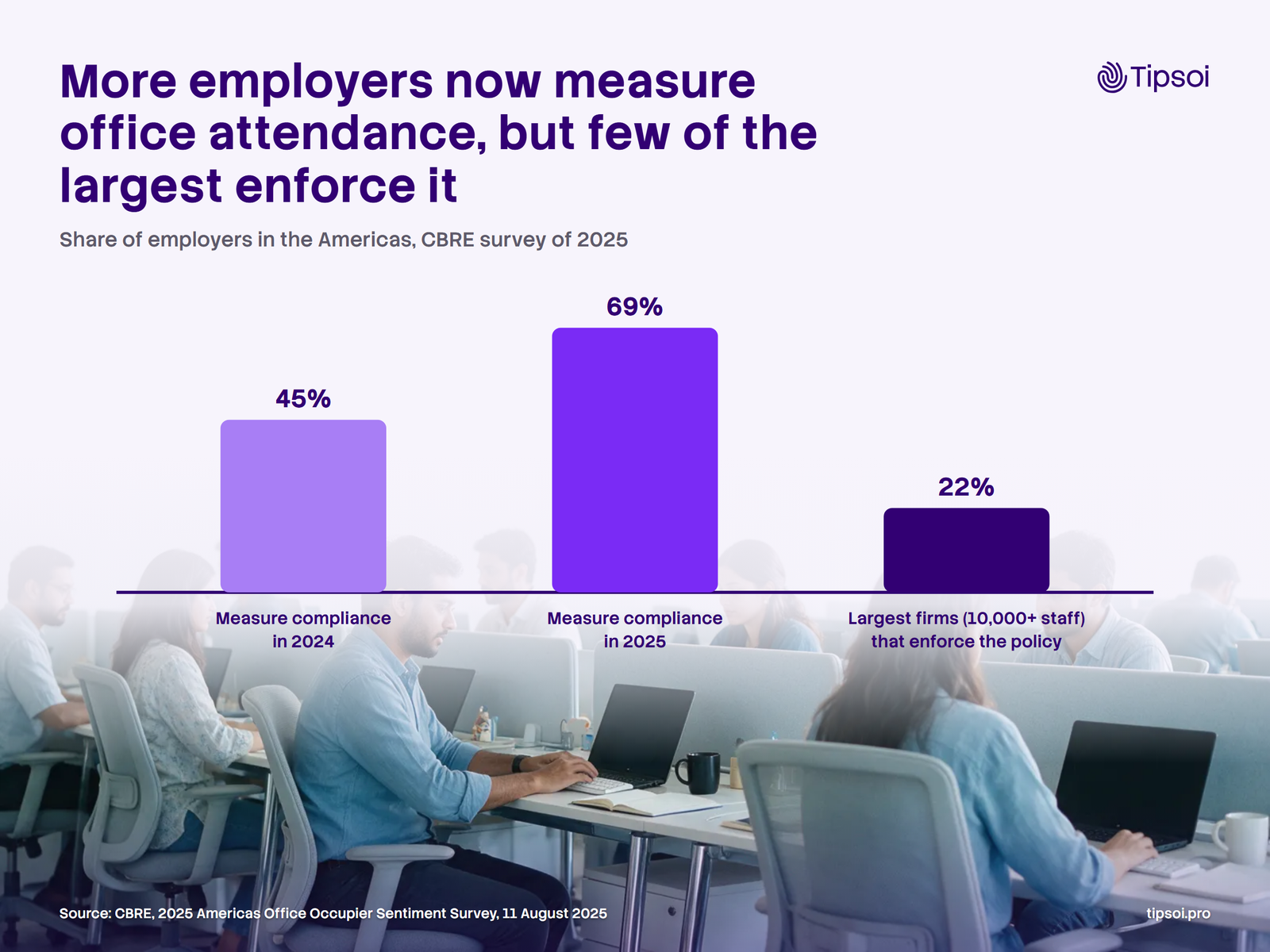
- In August 2025, CBRE found that 69% of employers in the Americas measure compliance. That is up from 45% in 2024.
Which four hybrid work attendance models fit your teams?
Four models cover most teams. First, Office Anchor sets office days. Next, Flexible Core sets core hours. Remote Verified uses approved mobile check-in from home. Finally, Field and Site suits sales and site teams. Most companies run two or three models at once. So each group of employees gets one.
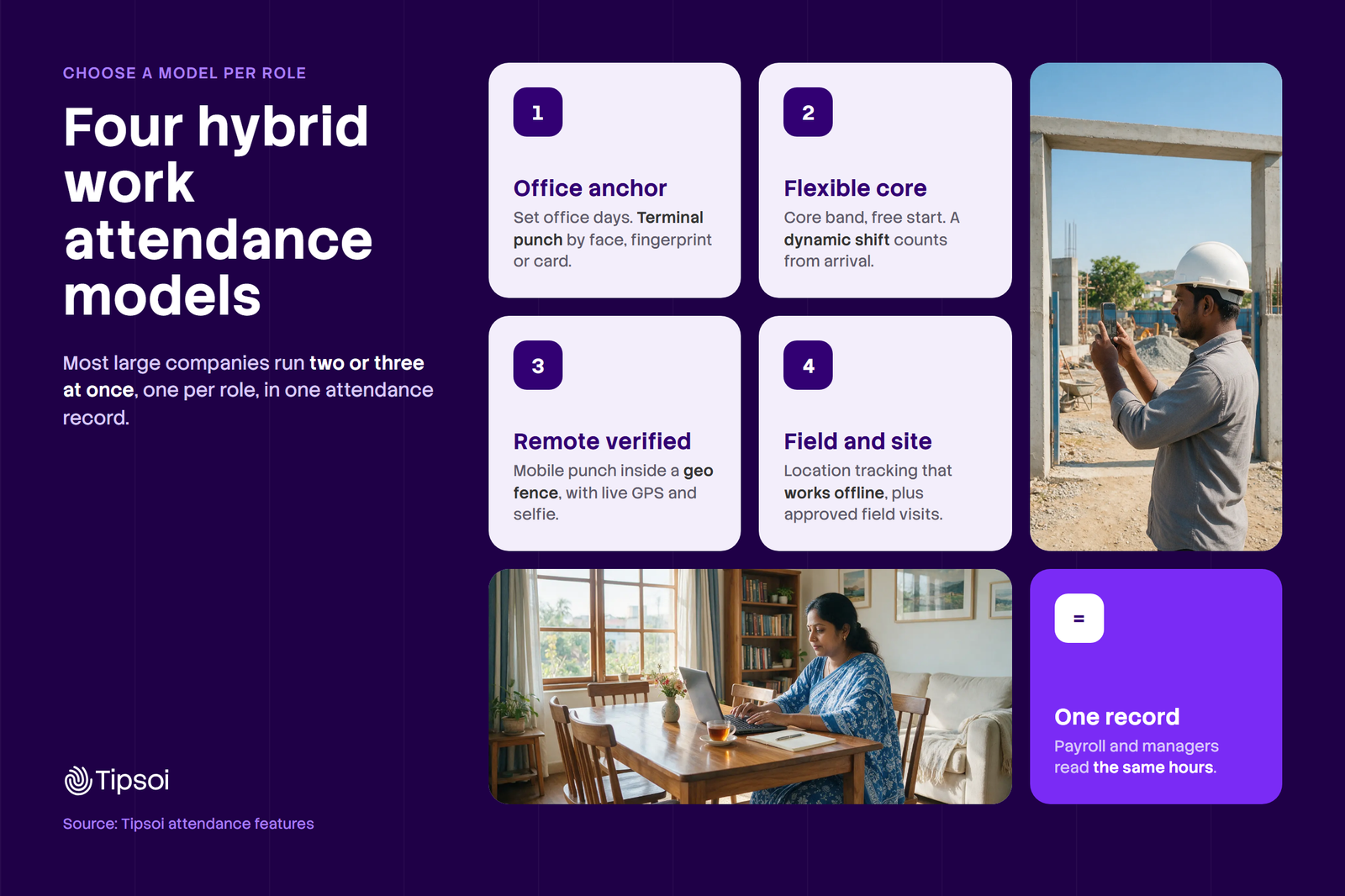
The table shows who each model suits and how staff check in. It also shows what HR watches.
| Model | Who it suits | How they check in | What HR watches |
|---|---|---|---|
| Office Anchor | Office and branch employees | Office device, and approved remote check-in | Office days against the rule |
| Flexible Core | Flexible office teams | Check-in under set working rules | Core hours and total hours |
| Remote Verified | Work-from-home employees | Approved mobile check-in | Mobile check-ins and corrections |
| Field and Site | Sales and site employees | Mobile or site-based attendance | Visits and site days |
Office Anchor
- Meaning: the office is the base, with set office days.
- Who suits: head office and branch employees.
- How they check in: at the office device, or with an approved remote check-in.
- What HR watches: office days against the rule.
- Example: a Dhaka finance team works in the office three days a week.
Flexible Core
- Meaning: staff pick their start time but cover the core hours.
- Who suits: flexible office teams.
- How they check in: under the working rules you define.
- What HR watches: core hours covered and total hours worked.
- Example: a Dhaka design team sets core hours from 11 am to 4 pm.
Remote Verified
- Meaning: home days are recorded with an approved mobile check-in.
- Who suits: work-from-home employees.
- How they check in: with the mobile app, from an approved place.
- What HR watches: mobile check-ins and manual corrections.
- Example: a support agent in Dhaka works from home two days a week.
Field and Site
- Meaning: staff move between client places or project sites.
- Who suits: sales and site employees.
- How they check in: by mobile, or by site-based attendance.
- What HR watches: visits made and days spent on each site.
- Example: a site engineer in Gazipur checks in at the project site.
Flexible start time versus core hours
A flexible start time lets staff begin work at different times. Core hours are the hours when everyone must be available. For example, staff may start any time from 8 to 10 am. Everyone still works from 11 am to 4 pm. Also set the total hours owed each day.
Which model fits which employee?
Choose by role. First, list the places each person works. Then pick the model that matches the most days. A sales manager may use two models in one week.
Managing office, remote, and field employees? Explore our mobile attendance features.
How mobile check-in and geofencing work
With mobile check-in, an employee opens the app and records attendance. Our mobile punch also captures a live GPS location and a live selfie. Then, with Geo Fencing, a check-in is accepted only inside an approved location. Your own system may differ. So check each option before you promise it to staff.
How do you set up hybrid work attendance in 5 steps?
Start by sorting people into office, hybrid, remote and field groups. Then choose rules, hours and places for each group. Next, agree what happens when a check-in is missed. Finally, review the records before payroll. Test the plan with one team first, then widen it.
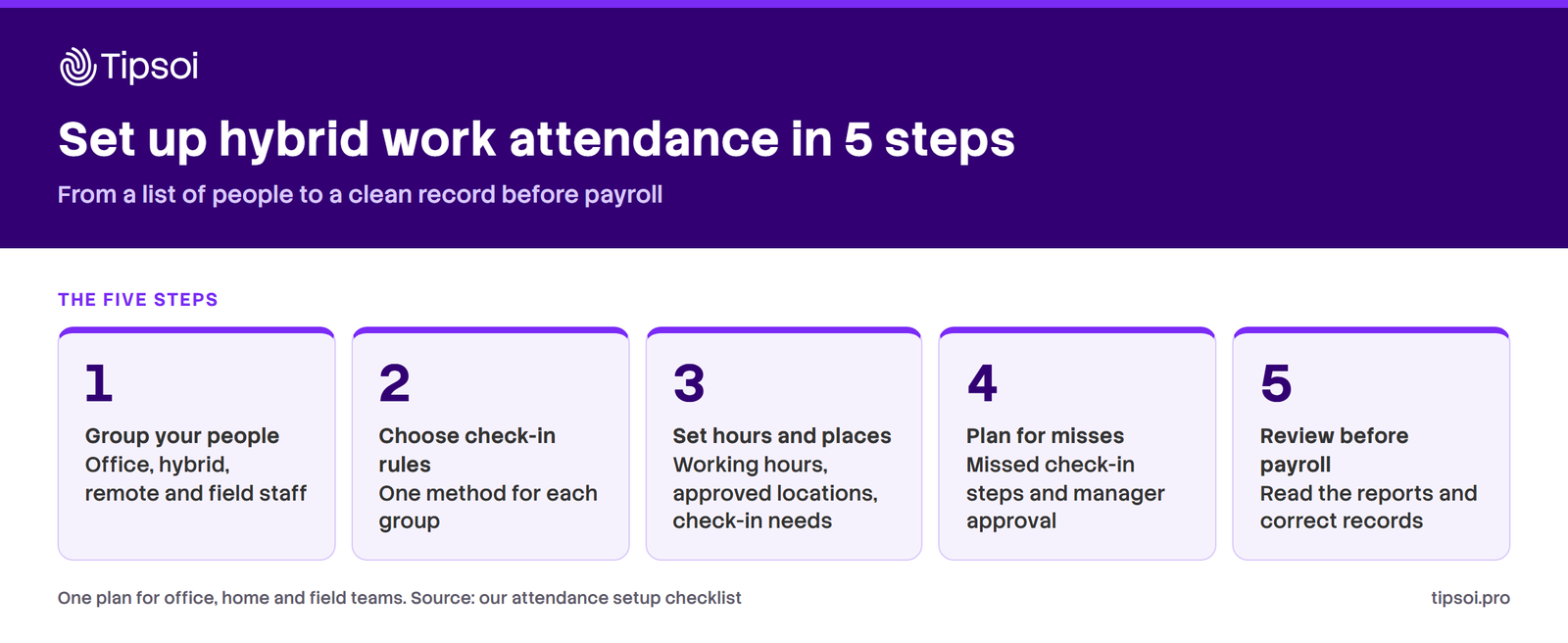
The 5-step setup guide
- Identify your employee groups. List who works in the office, at home or in the field. Mark who is hybrid. Then note the days each person works in each place.
- Choose attendance rules and check-in methods. Pick one model for each group. Write the rule on one page. For example, say who checks in at the office and who uses a phone.
- Set hours, places and check-in needs. Set working hours and core hours. List the approved locations. Also decide what a valid check-in needs, such as the time and the place.
- Define missed check-ins and manager approval. Say how long staff have to report a miss. Name who approves a correction. Ask for a short reason, so every change leaves a trail.
- Review reports before payroll. Check missing records and open corrections each month. Compare office days with the rule. Then fix the records before payroll starts.
Want a printable version? Download the Hybrid Attendance Setup Checklist. It is a 2 page PDF for HR managers.
A hypothetical example: 100 employees in Dhaka
This is a hypothetical example. It is not a customer case. Imagine a Dhaka company with 100 employees. Fifty work in the office and thirty are hybrid. Twenty work at client places or sites.
| Group | Model | How they record attendance |
|---|---|---|
| 50 office employees | Office Anchor | Office device every day |
| 30 hybrid employees | Flexible Core, with Remote Verified days | Office device on office days, mobile check-in at home |
| 20 field and site employees | Field and Site | Mobile check-in from approved locations |
Also, HR reviews all three groups in one place. Suppose a hybrid employee has no office check-in on a required day. HR then checks leave, holidays, approved exceptions and missing records first. A missing check-in does not automatically mean absence.
When a check-in is wrong or missing, the employee sends a correction. The line manager then approves or rejects it. At month end, HR reads the open items and fixes the records. Then HR prepares the monthly attendance record for payroll. Remember that check-in records show attendance. Still, they do not prove productivity.
Common attendance problems and solutions
- An employee forgot to check in. They send a correction with a short reason. The manager then approves it.
- There is no internet. Staff note the time and report it later. Some tools can also store location data offline and sync it later.
- The mobile check-in fails. First check the phone, the app and the location setting. Then ask the employee to report the miss.
- An employee works from a different approved location. Add the place to the approved list. Then record the reason.
- A manager corrects a record. The change needs a reason and a time stamp. HR can then review who changed what.
- An employee worries about location or selfie data. Explain what you collect and why. Also say how long you keep it.
How we support hybrid employee attendance
Our mobile app lets employees check in from a phone. Our Geo Fencing setting limits mobile check-ins to designated locations. Field staff can also start and end location tracking. It works offline and syncs later. Missed check-ins also go through a manual entry that a manager approves.
HR then reads the Mobile Punch Report and the Working Hour Report. The live attendance dashboard also shows who is in right now. Our attendance platform keeps office device records in the same place.
Ready to try the steps? Download the checklist and run it with one team.
What do Bangladeshi law and privacy rules say?
The Labour Act 2006 sets hour limits for work in an establishment. It has no clause on work from home. The Personal Data Protection Act 2026 treats biometric data and real-time location as sensitive. So write clear rules for your hybrid work attendance. Then ask your legal adviser to check them.
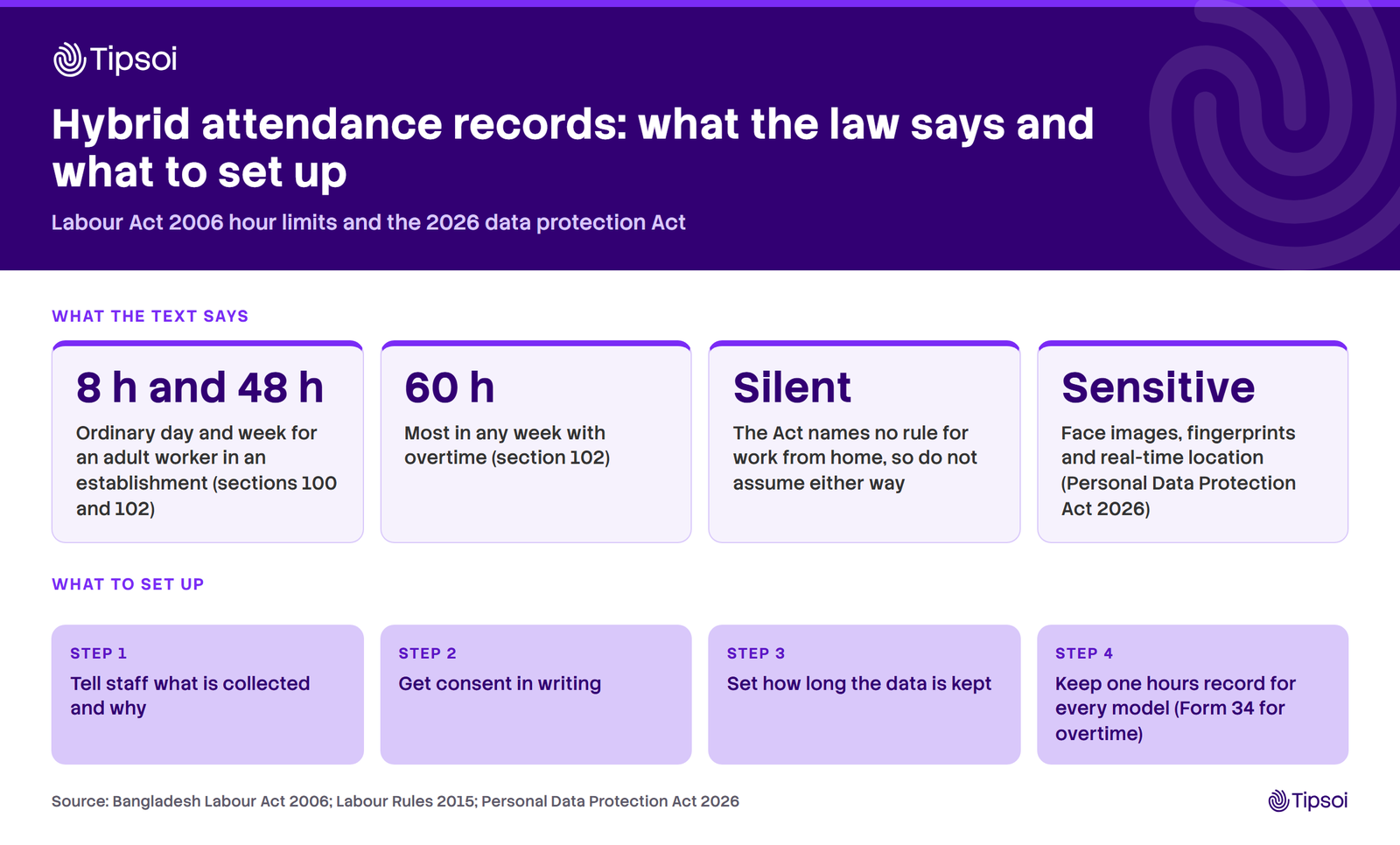
Hours and records
The Bangladesh Labour Act 2006 sets ordinary limits for adult workers in an establishment. The daily limit is 8 hours. Also, the weekly limit is 48 hours (sections 100 and 102). Still, with overtime, the limit is 60 hours in any week.
The Act names no rule for home work. So we make no claim either way. So use the same hours record for every model. Rule 102 of the Labour Rules 2015 asks for an overtime register, Form 34. Its unofficial English translation titles it a Register of Daily Attendance and Overtime.
Employee privacy, selfies and location
Bangladesh’s Personal Data Protection Act 2026 names fingerprints and face images as biometric data. It also lists biometric data and real-time location as sensitive personal data. Consent must be voluntary, specific, clear and withdrawable. Staff must also be told the purpose and the retention period.
Employee consent alone may not satisfy every legal requirement. We give no legal opinion here. So tell staff what you collect and for how long. Also, collect only what attendance needs. Then check your policy with a legal adviser.
Frequently asked questions
What is hybrid work attendance?
Hybrid work attendance is the record of where and when each person works. These staff split time between the office, home and other sites. A good record joins office, mobile and field check-ins in one place. Then payroll and managers read the same hours.
How do companies track hybrid employees?
Companies pick a check-in method for each group. First, office staff may use an office device. Next, remote staff may use mobile check-in. Finally, field staff may check in at approved locations. HR then reviews all records in one system. Managers approve corrections, and HR checks the records before payroll.
Can employees check in from home using a mobile phone?
Yes, if your attendance system supports mobile check-in. Set the rule first. Say which days staff may check in from home, and from which place. Then test it with one team. Our mobile punch records live GPS and a live selfie each time.
How does GPS or geofencing attendance work?
GPS finds the phone’s location when an employee checks in. Geofencing adds a rule. The check-in is accepted only inside an approved location. Tell staff what is collected and why. Also check what your own system supports, because options differ between products.
What happens if an employee misses a mobile check-in?
The employee reports the miss and gives a short reason. The line manager then approves or rejects the correction. HR then keeps the record of the change. A missed check-in does not automatically mean absence. HR checks leave, holidays and exceptions first.
How do businesses choose the right attendance model?
Start with where each group works. Office staff often suit Office Anchor. Flexible teams suit Flexible Core. Home-based staff suit Remote Verified. Sales and site staff suit Field and Site. Most companies use two or three models at once. Then review the choice after one month.
What to do next
Pilot hybrid work attendance with one team for a month. Use the five steps and the checklist. At month end, read the missing check-ins, the corrections and the hours. Then adjust the rules. The attendance system on mobile is the first step for home and field days. We serve 1,400+ client organisations and 500K+ daily active users in 15+ countries.
Need one attendance system for office and field teams? Book a demo.