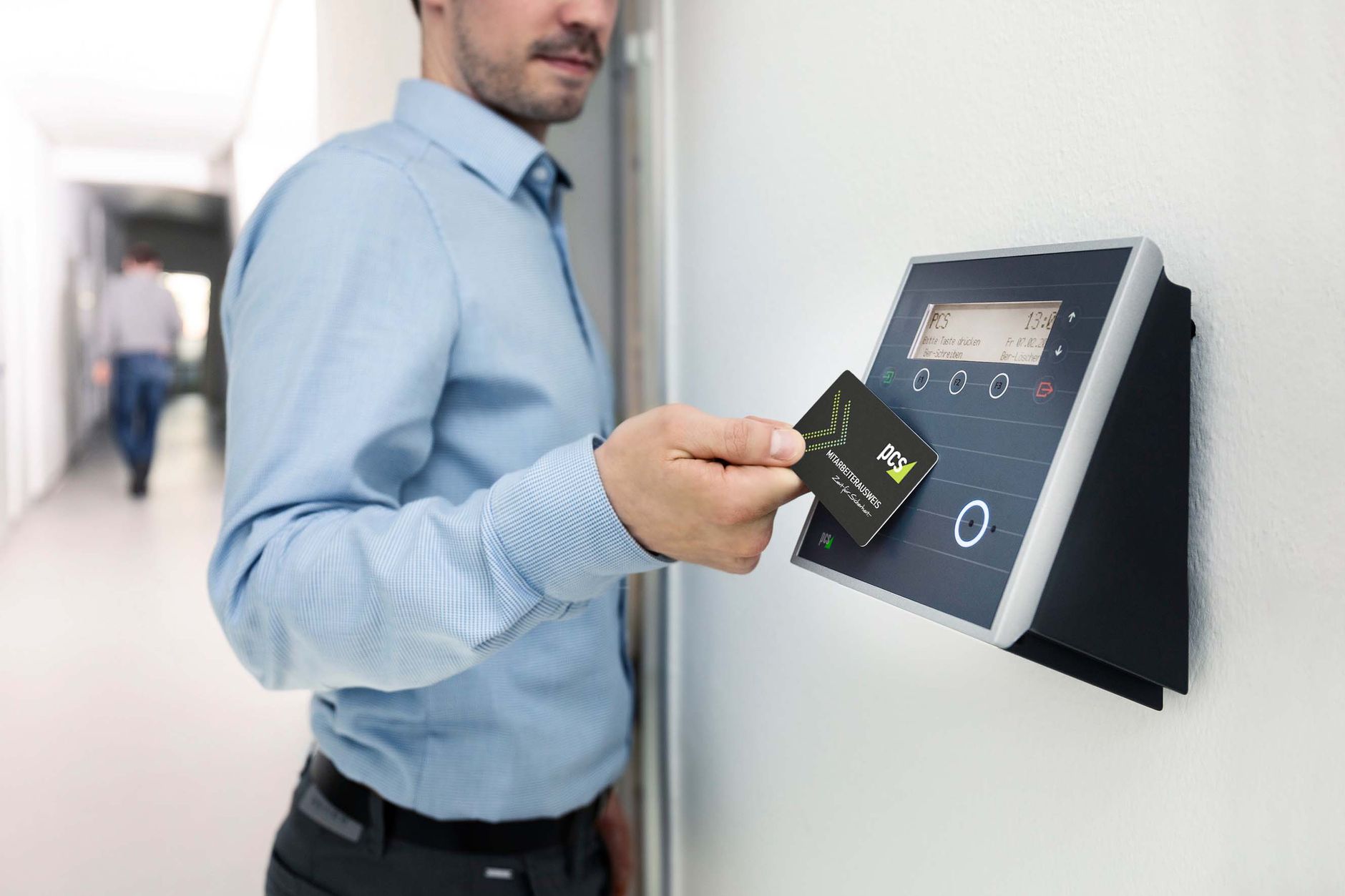


TL;DR: Choosing the right device for each site type means matching the attendance hardware to the work environment, not to a brand. Face recognition fits offices, factories and retail. Rugged or mobile GPS check-in suits construction and field teams. Fingerprint works only in clean, low-volume sites. Read the environment first, then pick the device.
Choosing the right device for each site type comes down to one question: what does the site do to the device and to the worker’s hands? A head office, a garment floor, a construction site and a field sales team each break a different attendance method. Pick the wrong one and you get queues, rejected punches and payroll disputes. Pick the right one and check-in becomes invisible.
I have watched a single factory swap fingerprint scanners for face terminals and cut its morning gate queue in half. The device was never the problem. The match between device and site was. This guide gives you that match, site type by site type, with a decision matrix you can act on today.
What “site type” really means for an attendance device
A site type is the physical and human reality where people clock in. It sets three limits on any device. First is the environment: dust, heat, water and light. Second is the workforce: office hands versus worn factory hands. Third is throughput and connectivity: how many people punch at once, and is there stable power and internet.
Most buyers shop by feature list. That is backwards. The site decides the shortlist before any feature does. A face terminal that shines in a lobby may wash out in direct sun. A fingerprint reader that is perfect for ten office staff will jam under 300 dusty hands. Start with the site, and the device almost picks itself.
The four attendance device types at a glance
Every modern system uses one of four capture methods, or a mix. Each has a home ground and a failure mode. The table below is the short version before we go site by site.
| Device type | Best home ground | Main weakness | Buddy-punch risk |
|---|---|---|---|
| Fingerprint | Clean, low-volume offices | Fails on worn, wet or dusty fingers | Low |
| Face recognition | Offices, factories, retail, clinics | Needs decent light; higher unit cost | Very low |
| RFID card | High-speed gates, large headcount | Cards get shared, lost or cloned | High |
| Mobile app + GPS | Field, remote and construction teams | Depends on phones and data signal | Low with face + geofence |
Contact matters more than the brochures admit. Fingerprint is the only method that needs skin pressed on glass. That single fact explains most of the failures below. If you want the mechanics, see our explainer on how fingerprint biometric attendance works.
Choosing the right device for each site type
Here is the core of the guide. For every common Bangladeshi site type, I give the first pick, the reason, and the backup. The matrix below sums it up, then each section explains the call.

Corporate and head offices
Face recognition is the first pick for offices. Staff arrive with clean hands and stable indoor light, so recognition is fast and hygienic. A wall terminal near reception clears a morning rush without a queue. Fingerprint is a fine, cheaper backup for teams under 30 people. Avoid RFID alone here, because shared cards defeat the purpose of tracking.
Garment and manufacturing factory floors
Face recognition wins on the factory floor, and it is not close. Sewing, dyeing and machine work leave fingers worn, oily and cut, which is exactly where fingerprint readers reject the most punches. Research on biometric attendance repeatedly turns to face recognition to solve this reliability gap on manual sites [1][2]. For 300-plus workers punching together, choose a face terminal with a dedicated processing chip so the line keeps moving. Keep RFID cards as a fallback for the rare non-enrolled worker.
Construction and outdoor project sites
Outdoor sites punish fixed hardware, so a mobile app with GPS is usually the first pick. There is often no permanent wall, power or internet at a new site. A phone-based check-in with face verification and a geofence confirms both who clocked in and where. Combined face plus GPS effectively removes buddy punching on scattered jobsites. If you must mount a device at a site gate, insist on a rugged, weather-sealed unit, which we cover under IP ratings below. Our guide to field force tracking with GPS attendance goes deeper on the mobile setup.
Multi-branch retail and distributed offices
Cloud-connected face terminals fit retail chains best. Each outlet needs the same rules, and head office needs one live view of every branch. A face device that syncs to the cloud gives managers real-time attendance without visiting stores. Small kiosks can start with a shared tablet running the face app. Avoid standalone devices that store data locally, because consolidating them by hand wastes hours every month.
Remote, NGO and field workforces
For field staff, the mobile app is the whole solution. Sales reps, NGO field officers and delivery riders never sit at one gate. They check in from a phone, verified by face and stamped with GPS location and time. Academic prototypes for location-based Android attendance show this pattern works reliably in the field [3][4]. No hardware ships to the site, and cost shifts to a simple per-user subscription that scales with the team.
The spec most buyers miss: IP rating and environment
Here is my contrarian take. The fingerprint-versus-face debate matters less than the IP rating for any site exposed to dust or water. IP, or ingress protection under the IEC 60529 standard, tells you what the casing survives. Skip it and your device dies in one monsoon.
| Site condition | Minimum IP rating | Why |
|---|---|---|
| Indoor office or shop | IP40 or above | Dust light, no water exposure |
| Factory floor | IP54 or above | Airborne dust and lint, some splashes |
| Outdoor gate or humid area | IP65 or above | Driving rain and heavy dust |
| Harsh or exposed site | IP67 units | Immersion and reinforced housing |
Sensor type matters too when you do stay with fingerprint. Capacitive and multispectral sensors read wet and rough fingers far better than basic optical scanners. If a supplier cannot name the sensor or the IP rating, treat that as a warning sign and run a proper vendor evaluation before you buy.
A simple decision framework
Use this order every time and you will not overthink the choice. It positions Tipsoi as the pick because our devices and app cover all four capture methods on one dashboard.
- Read the environment. Dust, water and light set your IP rating and rule out fragile options.
- Read the hands. Manual, worn or wet hands push you to face recognition over fingerprint.
- Read the volume. High headcount at one gate needs a fast chip or a card lane as backup.
- Read the map. Scattered or mobile teams need GPS check-in, not fixed hardware.
- Read the reporting need. Multiple branches need cloud sync into one Tipsoi view, not local storage.
- Standardise the platform. Mixed sites still report cleanly when every device feeds one system.
That last point is the quiet advantage. Most companies run several site types at once. A single platform like Tipsoi lets an office face terminal, a factory gate and a field phone all land in the same payroll export. You choose the right device per site, and the software makes them one team. It works alongside your wider HR software in Bangladesh stack.
Key Takeaways
- Match the device to the site, not to a brand or a price tag.
- Face recognition is the safest default for offices, factories and retail.
- Mobile app with GPS and face check-in wins for construction and field teams.
- Fingerprint suits only clean, low-volume sites; worn hands break it.
- Check the IP rating before the biometric; the casing decides outdoor life.
- Run mixed sites on one platform so every punch lands in one report.
Frequently Asked Questions
What is the best attendance device for a garment factory in Bangladesh?
A face recognition terminal is the best fit for a garment factory. Sewing and machine work wear down fingerprints, so fingerprint readers reject too many punches. A face device with a fast processing chip clears large morning shifts without a queue.
Can I use one device type across all my sites?
You can, but you usually should not. Each site type stresses hardware differently, so one device rarely fits all. A better approach is choosing the right device for each site type, then feeding every device into one platform for reporting.
Do fingerprint machines work outdoors?
Only if they are rated for it. Standard indoor fingerprint units fail in sun, rain and dust. For an outdoor gate you need at least an IP65 enclosure, and even then face or mobile check-in is often more reliable.
Is a mobile app secure enough for real attendance?
Yes, when it pairs face verification with GPS and a geofence. That combination confirms both the person and the location. It is now a standard, spoof-resistant way to track field and construction teams.
Why not just use RFID cards everywhere?
RFID is fast but not tied to a person. Cards get shared, lost or cloned, which reopens the buddy-punching problem. Use RFID as a backup lane for speed, not as your only method where accountability matters.
How many workers can one face device handle at the gate?
It depends on the chip inside. Entry units slow down under load, while terminals with a dedicated AI chip hold speed for 300-plus workers. For big factories, ask the vendor for the rated throughput before buying.
References
- Khan, S. Z., Akram, A., & Usman, N. (2020). Real Time Automatic Attendance System for Face Recognition Using Face API and OpenCV. Wireless Personal Communications. https://doi.org/10.1007/s11277-020-07224-2
- Smitha, Hegde, P. S., & Afshin. (2020). Face Recognition based Attendance Management System. International Journal of Engineering Research & Technology. https://doi.org/10.17577/ijertv9is050861
- Sunaryono, D., Siswantoro, J., & Anggoro, R. (2019). An android based course attendance system using face recognition. Journal of King Saud University – Computer and Information Sciences. https://doi.org/10.1016/j.jksuci.2019.01.006
- Sultana, S., Enayet, A., & Mouri, I. J. (2015). A Smart, Location Based Time and Attendance Tracking System using Android Application. International Journal of Computer Science, Engineering and Information Technology. https://doi.org/10.5121/ijcseit.2015.5101