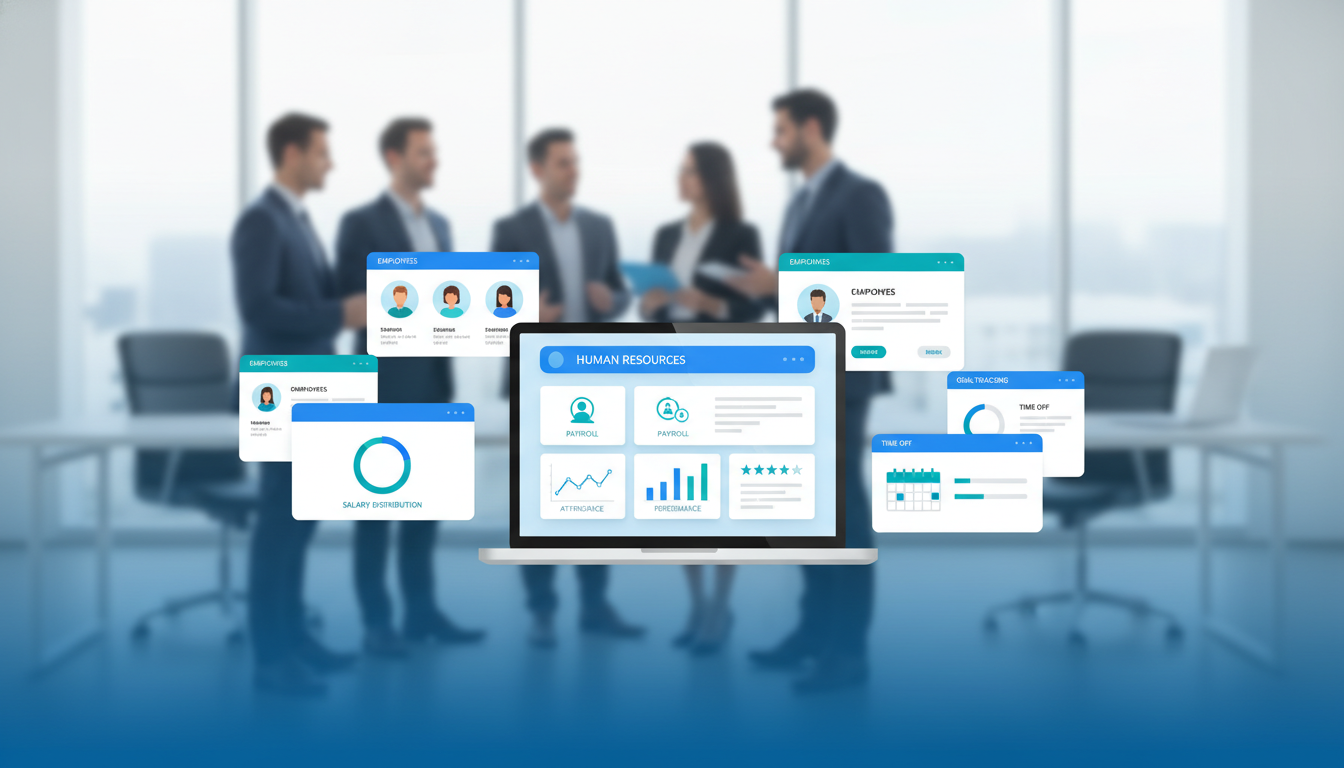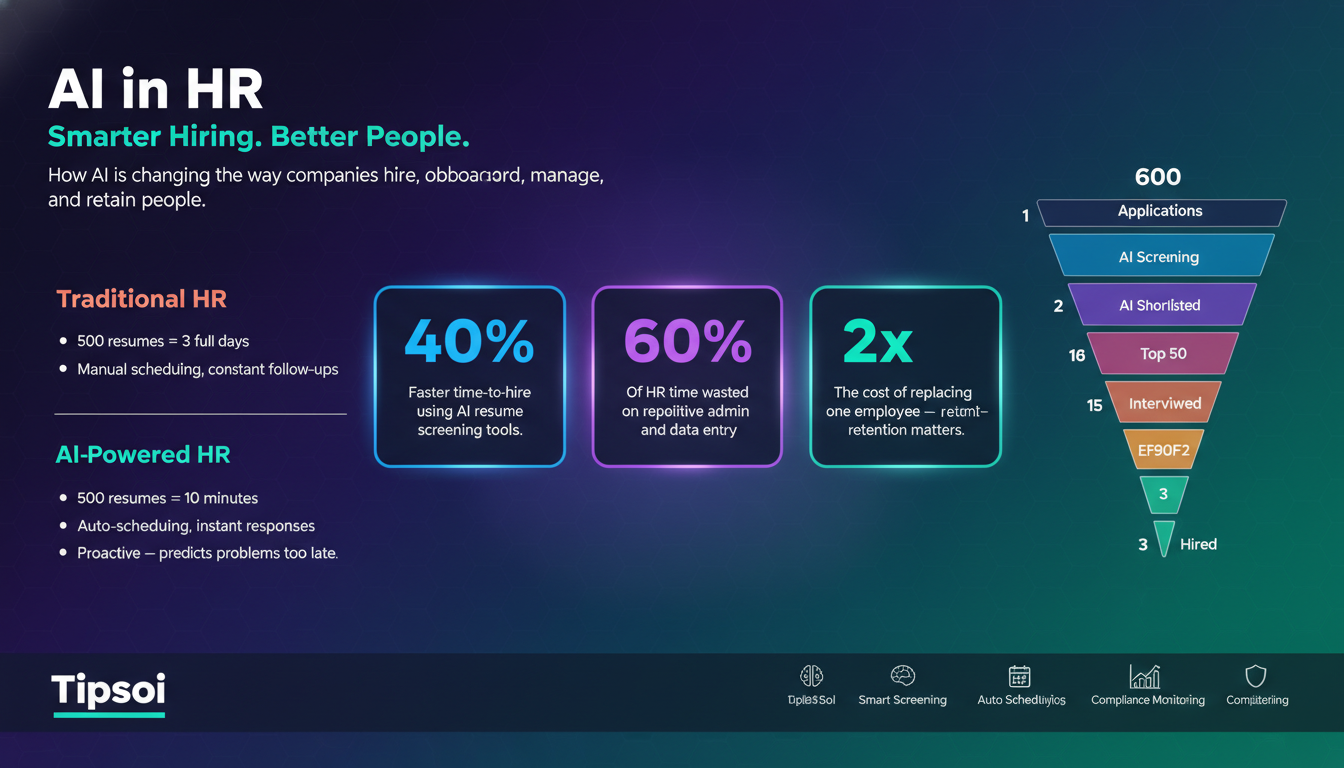

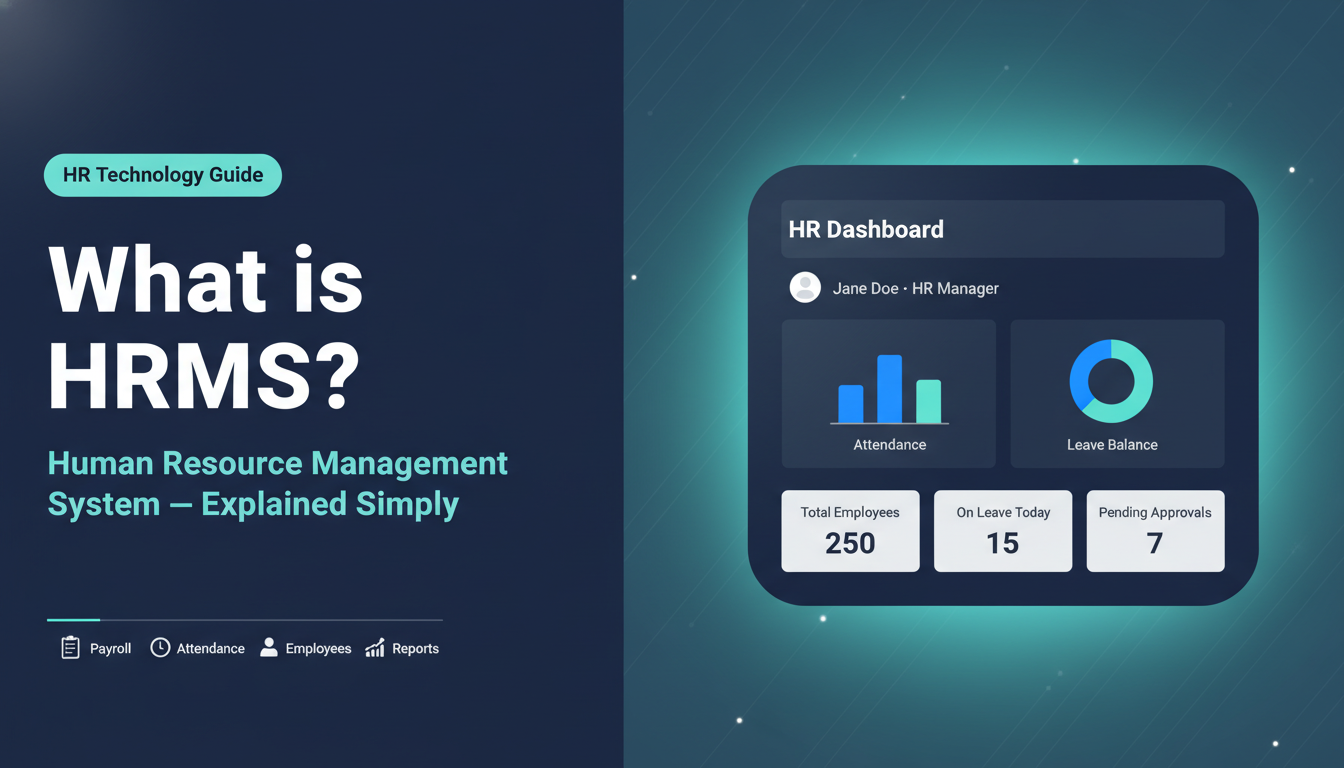
HRMS stands for Human Resource Management System, a software platform that helps businesses manage everything related to their employees. From the day someone joins your company to the day they leave, HRMS keeps track of it all. Attendance, payroll, performance, leave, recruitment- everything happens in one place.
If your HR team is still juggling spreadsheets, paper forms, and manual calculations, this guide will show you exactly what HRMS is, how it works, and why it might be the most important tool your business is missing right now.
What is HRMS?
According to WIKIPEDIA, Human resource management (HRM) is the strategic and coherent approach to the effective and efficient management of people in a company or organization such that they help their business gain a competitive advantage. But simply, HRMS, or Human Resource Management System, is a type of software that brings all your HR tasks together in one centralized platform. Instead of managing employee data in separate files, tracking attendance in one tool, and running payroll in another- HRMS connects everything.
Think of it as a digital HR department. It stores employee records, automates routine tasks, and gives HR managers the data they need to make better decisions, all without spending hours on manual work.
A Quick Look at How HRMS Has Evolved
In the early days, HR management meant filing cabinets full of paper documents. Then came spreadsheets. Then basic HR software. Today, HRMS is a fully integrated, often cloud-based system that can handle everything from hiring to retiring: sometimes even with AI-powered features.
Who Uses HRMS?
HRMS is used by businesses of all sizes- from small companies with 20 employees to large enterprises with thousands of staff. It’s widely used in industries like:
- Garments and manufacturing (for managing large workforces)
- Banking and finance (for compliance and payroll accuracy)
- Healthcare (for shift management and staff records)
- IT companies (for performance tracking and remote team management)
- NGOs and educational institutions (for leave and attendance management)
In Bangladesh, businesses are increasingly adopting HRMS software to replace manual HR processes and stay competitive in a fast-moving market.
Read more to know……Top 10 Global HRMS Softwares
How Does HRMS Work?
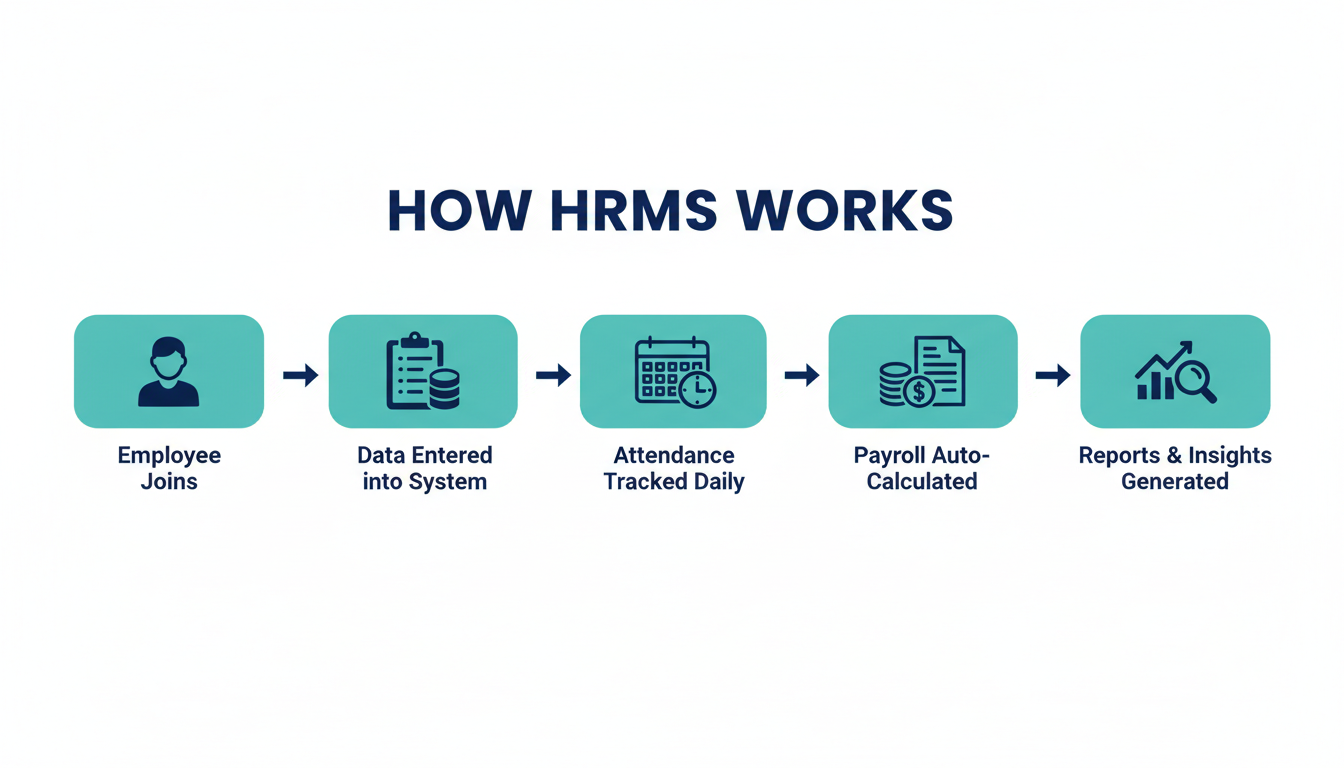
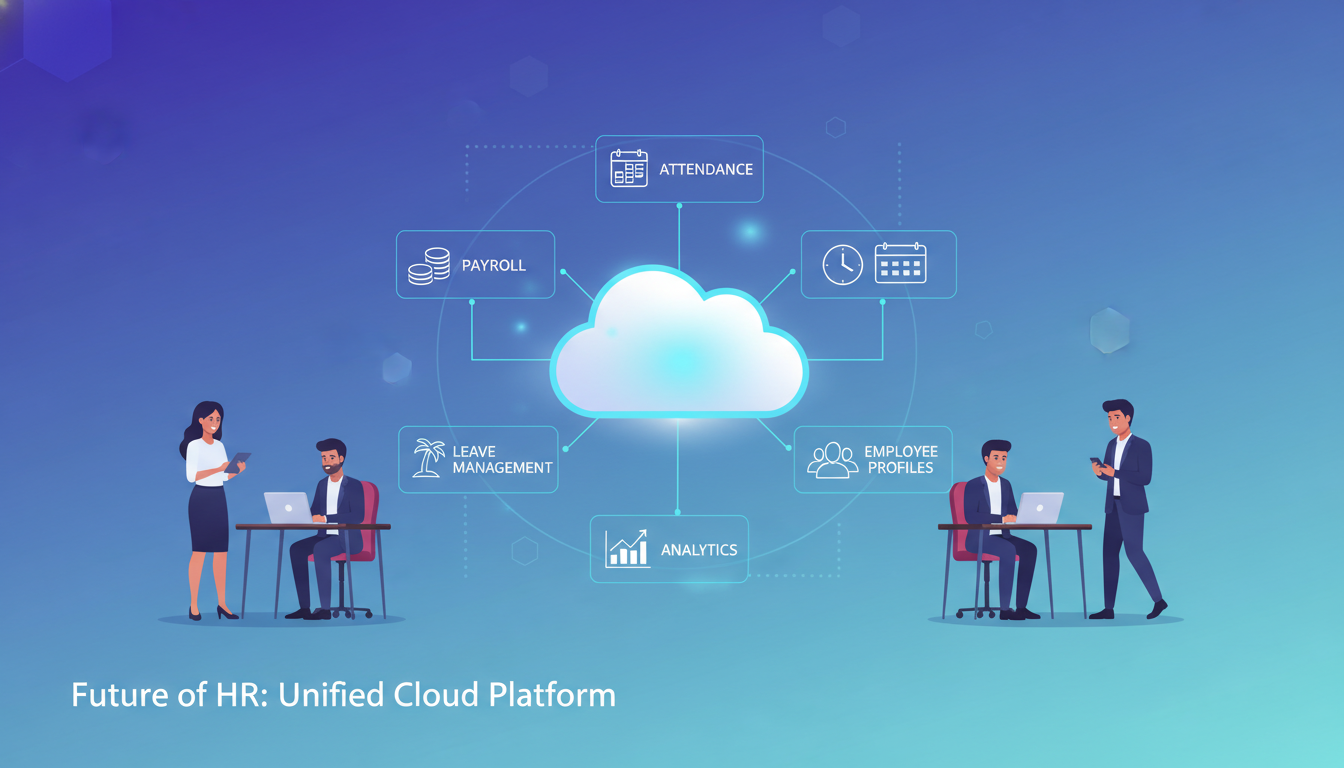
At its core, HRMS works by creating a centralized database where all employee information is stored securely. Once the data is in the system, different modules: payroll, attendance, performance, etc.- pull from that same database and work together automatically.
Here’s a simple way to understand it:
- An employee joins → Their personal details, job title, salary, and documents are added to the system
- They start working → Attendance is tracked daily (via biometric device, app, or manual check-in)
- Month-end arrives → The payroll module automatically calculates salary based on attendance, leaves, and deductions
- Performance review time → Managers access the system to set goals and track progress
- Employee needs leave → They apply through the self-service portal, and the manager approves with one click
Every step is connected. No duplicate data entry. No manual calculations. No back-and-forth emails.
Role-Based Access
Not everyone sees the same things in an HRMS. The system uses role-based access, which means:
- An HR manager can see all employee data, run payroll, and generate reports
- A department head can see their team’s attendance and approve leave requests
- An employee can see their own payslips, leave balance, and personal info- nothing more
This keeps data secure while making the system useful for everyone.
Cloud-Based HRMS vs On-Premises HRMS
| Cloud-Based HRMS | On-Premises HRMS | |
| Access | Anywhere, any device | Only from office network |
| Setup Cost | Low (subscription model) | High (hardware + installation) |
| Maintenance | Vendor handles it | Your IT team handles it |
| Updates | Automatic | Manual |
| Security | Managed by cloud provider | Managed internally |
| Best for | SMEs and growing businesses | Large enterprises with IT teams |
For most businesses in Bangladesh, cloud-based HRMS makes more sense- it’s easier to set up, more affordable, and accessible from anywhere.
Key Uses of HRMS
So, what is HRMS actually used for on a daily basis? Here are the main uses of HRMS across organizations:
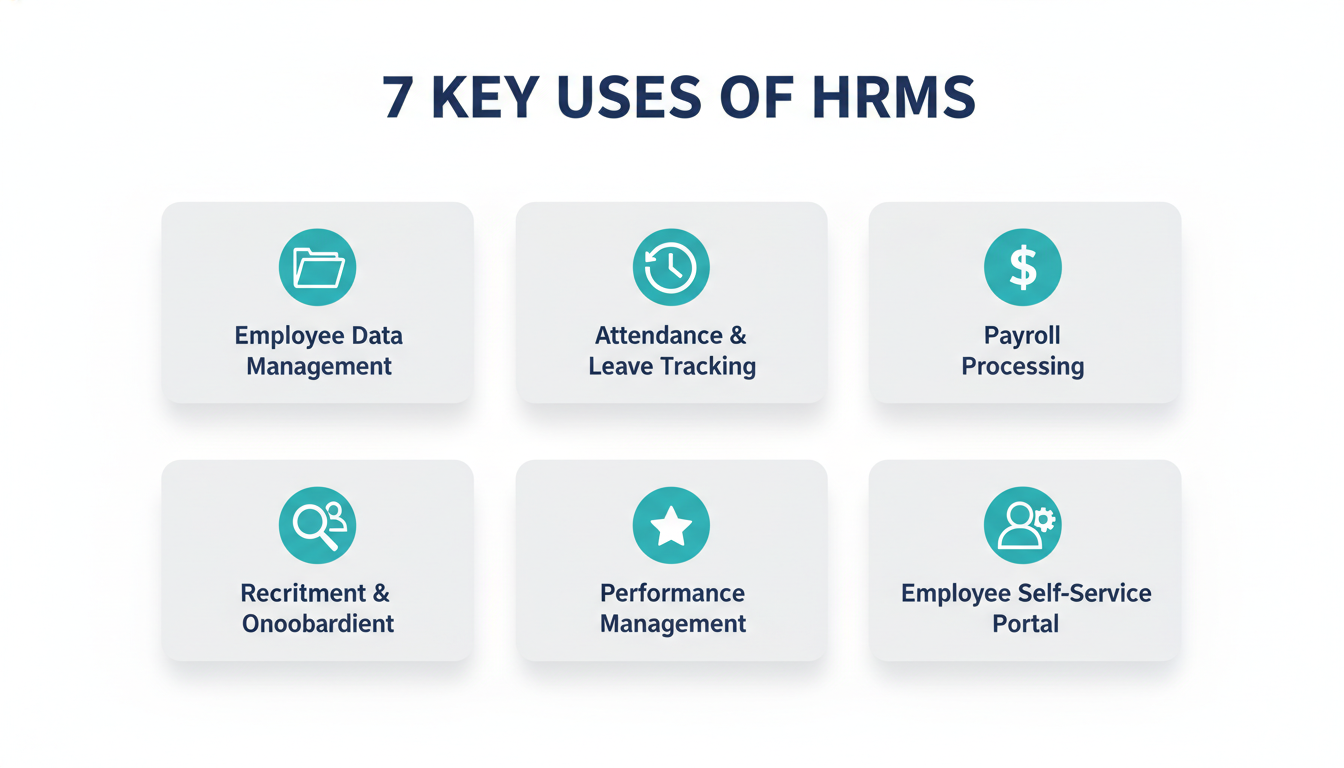
1. Employee Data Management
Every employee has a profile in the system. This includes their name, contact details, job title, department, salary, emergency contacts, educational background, and employment history. Instead of searching through files or spreadsheets, HR can find any information in seconds.
2. Attendance and Leave Tracking
HRMS tracks when employees come in and when they leave. It integrates with biometric devices, mobile apps, or even GPS-based check-ins for field employees. Employees can apply for leave directly through the system, and managers can approve or reject requests with one click. The system also maintains leave balances automatically.
3. Payroll Processing
This is one of the most valuable uses of HRMS. The payroll module calculates salaries automatically based on attendance data, overtime hours, deductions, bonuses, and tax rules. It eliminates manual calculation errors and ensures every employee gets paid correctly and on time. In Bangladesh, a good HRMS also keeps payroll compliant with local labor laws.
4. Recruitment and Onboarding
HRMS helps manage the entire hiring process- from posting a job opening to tracking applications, screening candidates, scheduling interviews, and sending offer letters. Once hired, the onboarding process is also managed through the system, so new employees get everything they need from day one.
5.Performance Management
Managers can set goals, track employee progress, and conduct performance reviews directly in the system. This creates a clear record of each employee’s performance over time, which helps with promotions, salary increments, and development plans.
6. Training and Development Tracking
HRMS keeps a record of what training programs each employee has completed. HR can identify skill gaps, schedule training sessions, and track whether employees are completing mandatory compliance training.
7. Employee Self-Service Portal
One of the most appreciated features. Employees can log in to check their payslips, view their leave balance, update personal information, apply for leave, and download HR documents, without bothering the HR team. This saves time for both employees and HR managers.
Purposes of HRMS
While the “uses” of HRMS tell you what it does, the purpose of HRMS is about why it exists. The core purposes of a human resource management system are:
1. Eliminate Manual Errors– Manual HR processes are prone to mistakes- wrong salary calculations, missing records, or lost paperwork. HRMS automates these processes, so errors are drastically reduced.
2. Centralize All HR Data– When employee data is scattered across different files and systems, things get messy. HRMS keeps everything in one place, making it easy to find, update, and report on any information.
3. Ensure Legal Compliance– Labor laws change, and non-compliance can lead to fines or legal trouble. HRMS helps businesses stay compliant with local labor regulations- from leave entitlements to tax deductions.
4. Empower Employees– When employees can access their own information, apply for leave, and track their performance without chasing HR, they feel more in control. This leads to higher employee satisfaction.
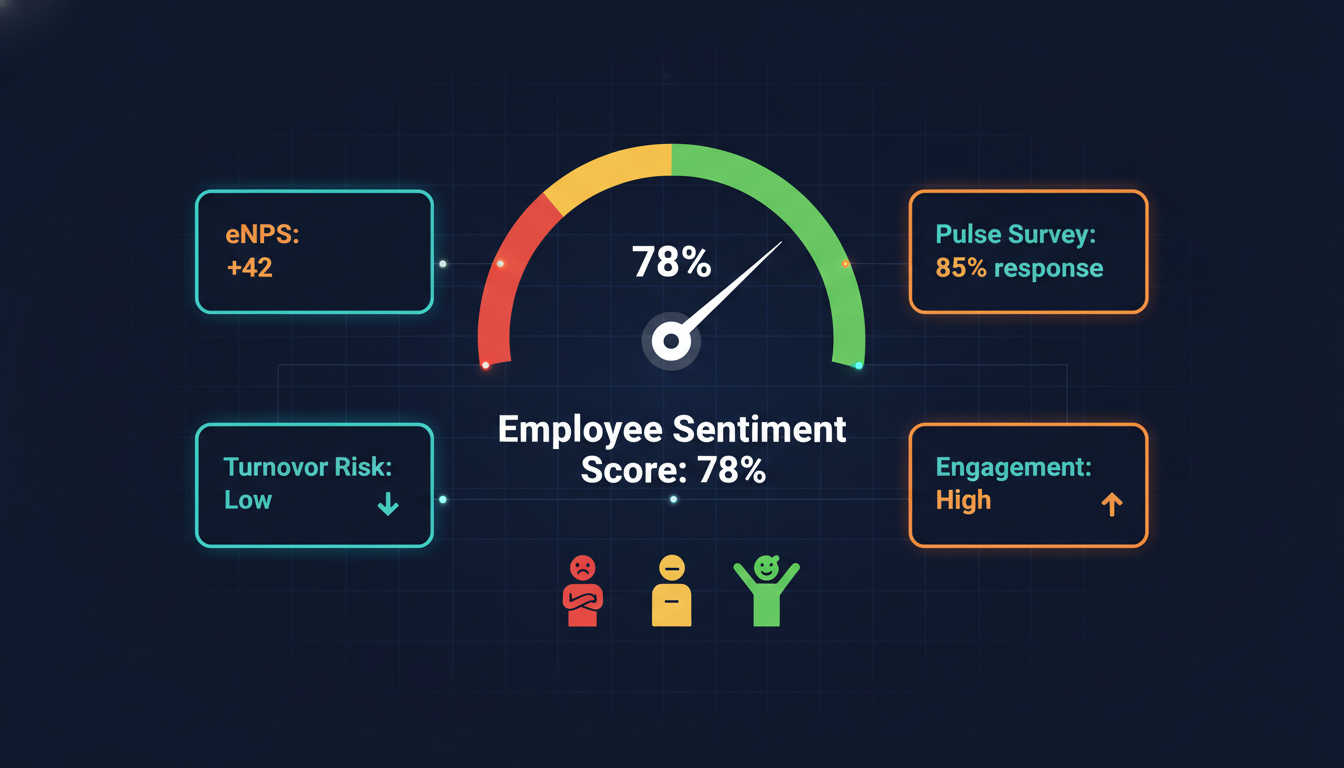
5. Enable Data-Driven Decisions– With built-in reports and analytics, HR managers can see patterns- like which departments have high turnover, which employees are most productive, or where training is needed. This turns HR from a reactive function into a strategic one.
6. Support Business Growth– As your company grows, HR complexity grows too. HRMS scales with your business- whether you’re going from 50 employees to 500, the system handles it without extra HR staff.
HRMS Features You Should Know
A good human resource management system comes with a range of features. Here are the most important ones:
- Payroll Module– Automates salary calculation, tax deduction, and payslip generation.
- Attendance and Time Tracking– Tracks working hours, overtime, and absenteeism in real time.
- Leave Management– Handles all types of leaves (annual, sick, casual, unpaid) with an automated approval workflow.
- Recruitment Module– Manages job postings, applicant tracking, and interview scheduling.
- Performance Appraisal– Enables goal setting, KPI tracking, and periodic performance reviews.
- Analytics and Reporting Dashboard– Gives HR and management a real-time view of key HR metrics.
- Compliance Management– Keeps records and processes aligned with local labor laws and company policies.
- Document Management– Stores employee contracts, certificates, and other documents digitally.
Must-Have vs Nice-to-Have Features
| Must-Have | Nice-to-Have |
| Payroll automation | AI-powered insights |
| Attendance tracking | Chatbot for employee queries |
| Leave management | Succession planning tools |
| Employee self-service portal | Learning Management System (LMS) |
| Compliance tracking | Advanced workforce analytics |
If you’re just getting started, focus on the must-have features first. You can always add more as your needs grow.
Benefits of HRMS for Organizations
Implementing an HR management system brings real, measurable benefits:
- Saves Time– Automating payroll, attendance, and leave management alone can save your HR team dozens of hours every month.
- Reduces Errors– Manual data entry leads to mistakes. HRMS automates calculations and processes, keeping errors to a minimum.
- Cuts Costs– Less time spent on manual tasks means lower operational costs. Cloud-based HRMS also removes the need for expensive hardware.
- Improves Compliance– The system keeps you updated on labor law requirements and maintains records that are always audit-ready.
- Boosts Employee Satisfaction– When employees can manage their own HR needs through a self-service portal, they feel more respected and empowered.
- Better Decision Making– With real-time data and reports, management can make smarter decisions about their workforce.
HRMS Benefits for Small and Medium Businesses (SMEs)
SMEs often think HRMS is only for large corporations- but that’s a common misconception. For small businesses, HRMS is even more valuable because:
- There’s usually no dedicated HR team, so automation fills that gap
- Errors in payroll or compliance hit harder when resources are limited
- Growth is faster, and the system helps you scale without chaos
- Affordable cloud-based options make it accessible even on a tight budget
Choose the Right HR Software for Small Business 2026…….
HRMS vs HRIS- What’s the Difference?
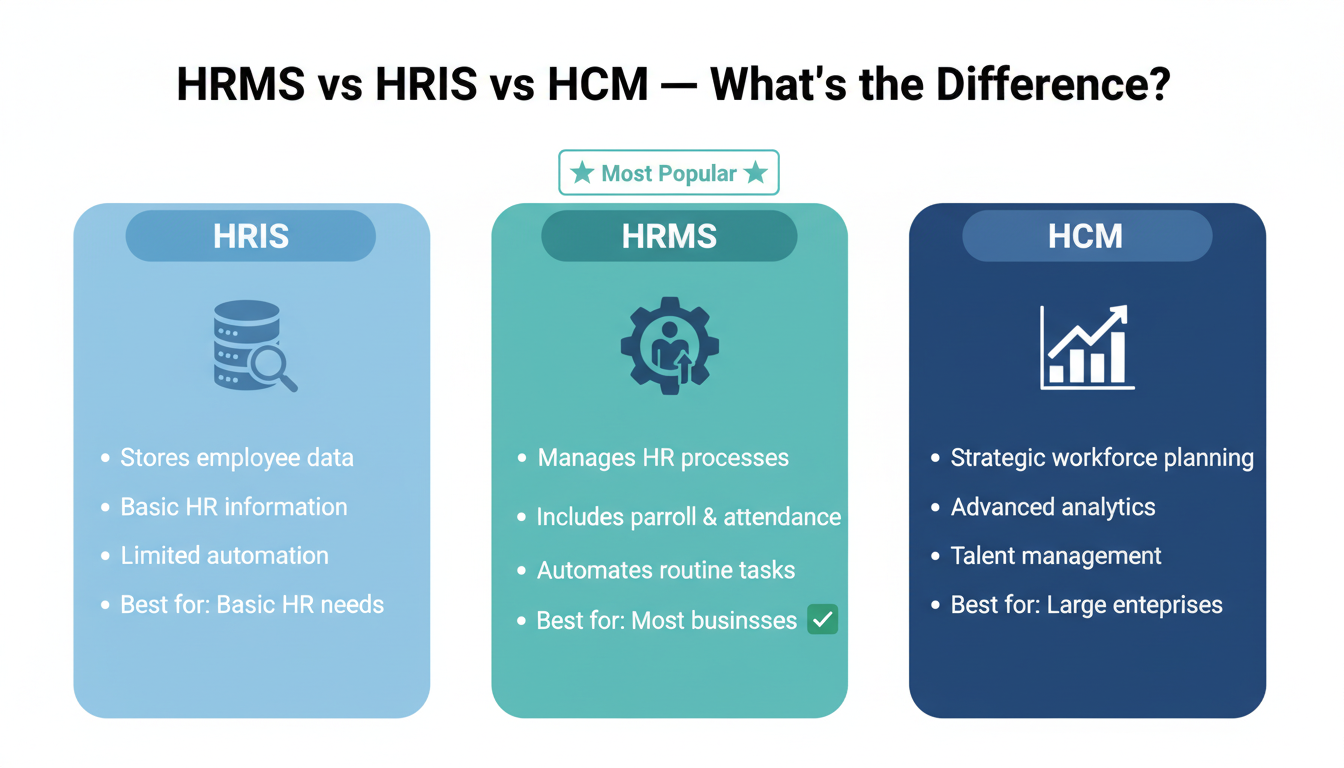
People often use these terms interchangeably, but they are slightly different:
| HRMS | HRIS | HCM | |
| Full Form | Human Resource Management System | Human Resource Information System | Human Capital Management |
| Focus | Managing HR processes end-to-end | Storing and organizing employee data | Strategic workforce planning |
| Includes Payroll? | Yes | Sometimes | Yes |
| Includes Performance Mgmt? | Yes | Rarely | Yes |
| Best For | Most businesses | Basic HR data management | Large enterprises |
In simple terms: HRIS is more about storing data, HRMS is about managing HR processes with that data, and HCM takes it even further into strategic planning. For most businesses, HRMS is the right starting point.
How to Choose the Right HRMS for Your Organization
With so many options available, choosing the right HRMS can feel overwhelming. Here are the key things to look for:
1. Understand Your Needs First What HR processes are giving you the most trouble right now? Payroll? Attendance? Recruitment? Start with your pain points and find a system that solves them well.
2. Check for Scalability Choose a system that can grow with your business. If you have 50 employees today but plan to hire 200 in two years, make sure the HRMS can handle that without a major upgrade.
3. Look for Easy Integration Your HRMS should connect smoothly with tools you already use- like accounting software, biometric devices, or ERP systems.
4. Verify Compliance Support Especially in Bangladesh, make sure the HRMS supports local labor law requirements, tax calculations, and leave policies.
5. Prioritize User-Friendliness A system nobody uses is useless. Make sure the interface is simple enough that your HR team and employees will actually use it daily.
6. Evaluate Customer Support What happens when something goes wrong? Look for a vendor that offers proper training, onboarding support, and responsive after-sales service.
7. Check Data Security Employee data is sensitive. Make sure the HRMS has strong encryption, access controls, and regular data backups.
8. Test Before You Commit: Always ask for a free trial or demo before making a decision. Run it through your actual HR scenarios to see how it performs.
Checkout Tipsoi HRM Web Features…
HRMS for Bangladesh Businesses: What to Look For
If you’re running a business in Bangladesh, there are a few extra things to keep in mind:
- Bangla language support for non-English-speaking employees
- Bangladesh labor law compliance built into the leave and payroll modules
- Biometric device integration for factory or field-heavy workforces
- Local support team that understands your business environment
- Affordable pricing that makes sense for the Bangladesh market
How Tipsoi Can Help Managing Your HRMS
Tipsoi is a complete HR and attendance management solution built for businesses in Bangladesh and beyond. Whether you’re managing 30 employees or 3,000, Tipsoi brings everything together from biometric attendance tracking to automated payroll, leave management, and employee self-service portals.
What makes Tipsoi different is that it’s designed with local businesses in mind. It integrates with smart biometric devices, supports Bangladesh labor law compliance, and comes with a dedicated support team that helps you get set up and stay running smoothly.
If you’re tired of managing HR on spreadsheets and want a system that actually works for your business Tipsoi is worth a closer look.
Book a free demo today and see Tipsoi HRMS in action.
Conclusion
Managing people is one of the most important and most complex parts of running a business. A good HRMS doesn’t just make HR easier; it helps your entire organization run better.
Whether you’re a small business just starting out or a growing company looking to replace outdated systems, the right human resource management system can save you time, reduce errors, keep you compliant, and help your employees feel more supported.
Now that you know what HRMS is and how it works, the next step is simple take a look at your current HR processes and ask yourself: is there a better way?
Frequently Asked Questions (FAQs)
What does HRMS stand for?
HRMS stands for Human Resource Management System. It is a software platform designed to help businesses manage HR-related tasks such as payroll, attendance, leave, recruitment, and employee data.
What is the main purpose of HRMS?
The main purpose of HRMS is to centralize and automate HR processes eliminating manual work, reducing errors, ensuring compliance, and giving HR teams the data they need to make better decisions.
What are the uses of HRMS?
HRMS is used for employee data management, attendance and leave tracking, payroll processing, recruitment and onboarding, performance management, training tracking, and employee self-service.
What is the difference between HRMS and HRIS?
HRIS (Human Resource Information System) focuses mainly on storing employee data. HRMS goes a step further by managing HR processes using that data including payroll, performance, and compliance. HRMS is generally the more complete solution.
Is HRMS suitable for small businesses?
Yes, absolutely. In fact, HRMS can be especially valuable for small businesses that don’t have a dedicated HR team. Cloud-based HRMS options are affordable and easy to set up, making them accessible for SMEs.
How does cloud-based HRMS work?
Cloud-based HRMS is hosted online by a vendor. You access it through a browser or app without installing anything. The vendor manages the servers, security, and updates. You just log in and use it- from anywhere, on any device.
What features should I look for in an HRMS?
Look for payroll automation, attendance tracking, leave management, an employee self-service portal, performance management tools, compliance support, and strong data security. The most important features depend on your specific business needs.