

An offline attendance system records employee punches on the device itself when the internet drops, then syncs every entry to the cloud once the connection returns. Nothing is lost. Staff clock in as normal, and your data catches up on its own. For any site in Bangladesh that faces load-shedding or weak broadband, this is the gap between clean payroll and a monthly guessing game. First check whether each site needs LAN, WiFi or 4G.
I am Sadia Momtaz, and I have rolled out attendance across factories, retail chains, and field teams. The question I hear most is simple. What happens to attendance when the network goes down? This guide answers that, then shows exactly what to check before you buy.
Punches record on the device 24/7
Local memory holds weeks of punches
No manual export, no lost time
Runs through 6 to 9 hour cuts
What is an offline attendance system?
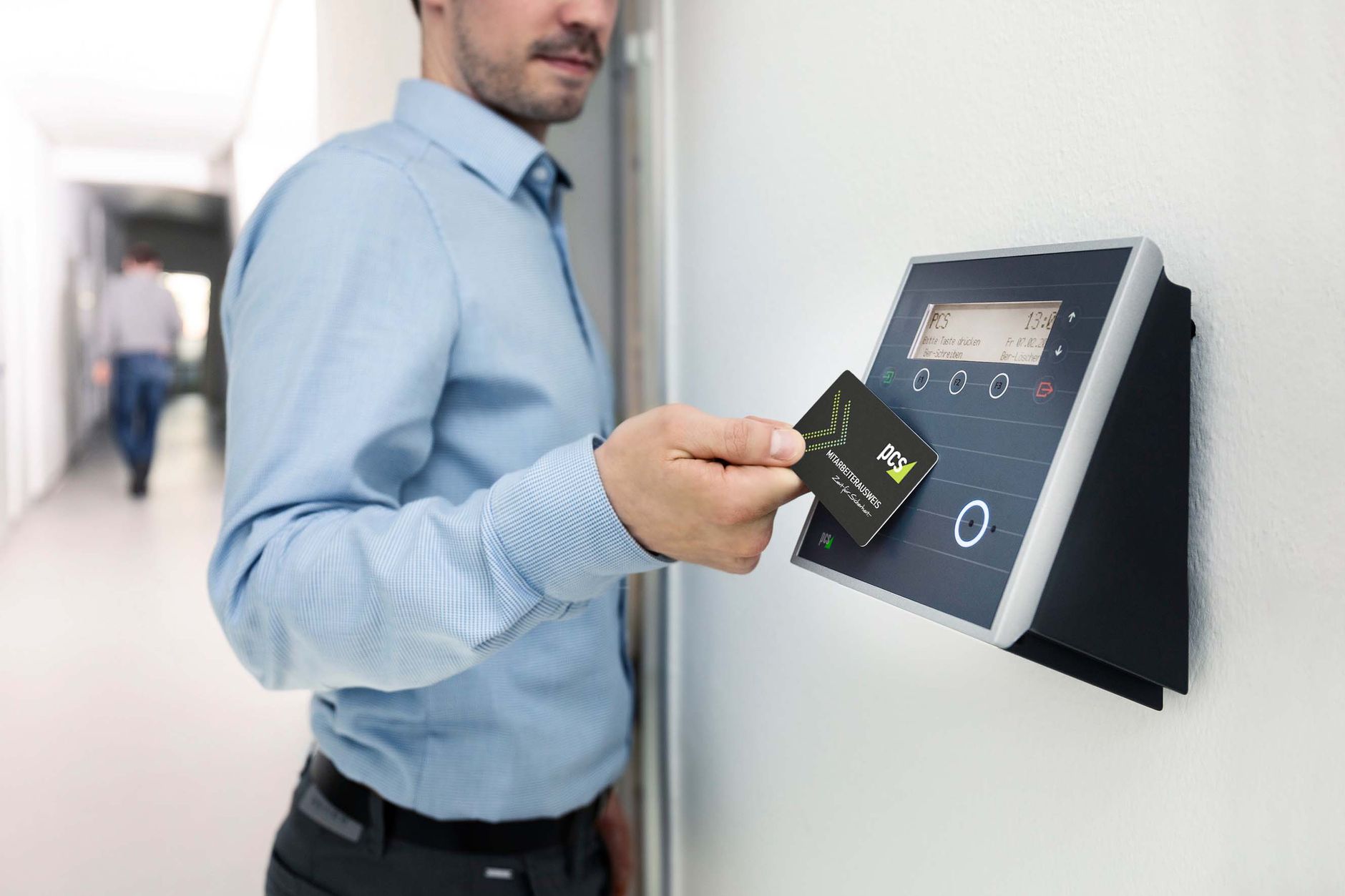
An offline attendance system is a time and attendance setup that keeps working when the connection fails. The terminal, usually a fingerprint or face device, stores every punch in its own memory. When the internet returns, it uploads the backlog to your HR software. No punch waits on the network.
This is different from a cloud-only clock. A cloud-only device needs a live link to save anything. Lose the link, and you lose the record. An offline-first device treats the network as a bonus, not a lifeline. Offline is a design choice, not a stopgap. The best terminals record first and upload second.
Treat the network as a bonus, not a lifeline. That one shift is what keeps payroll clean during load-shedding.
How does offline attendance work when the internet drops?
The process runs in three steps, and it is simpler than most vendors make it sound.
1. Local capture and matching
The employee places a finger or face at the terminal. The device turns the scan into a template and matches it against records held on the device. Matching runs on the hardware, so it needs no server.[1] The punch is stamped with the device clock and saved to local memory.
Modern face terminals now run deep learning models on the device, which lifts match accuracy even in poor light.[2] Anti-spoofing checks also run locally, so a printed photo cannot fool the sensor.[3] Accuracy does not drop just because the internet did.
2. The local sync queue
When there is no connection, each new record joins a local sync queue. Clock-in and clock-out events sit safely in device memory. Enrolment data and admin logs queue the same way. Most terminals hold 100,000 to 300,000 records and thousands of templates before space runs short.
3. Automatic sync on reconnect
Once the network is back, the device pushes the queued records to the cloud. Good systems check for a link every few seconds and sync with no one lifting a finger. Your dashboard then shows the full day, backfilled to the correct times.

Why does offline attendance matter so much in Bangladesh?
Because the power and the network are not guaranteed. In 2024, daytime load-shedding ran to eight or nine hours in many areas outside Dhaka.[4] Industrial zones like Bogura averaged around six hours a day. When the grid drops, the router drops with it.
A cloud-only clock in that setting is blind for hours. An offline attendance system keeps counting through every cut. This is not a rare edge case. For a garment plant or a remote project site, it is an ordinary Tuesday.
Picture a garment unit in Narayanganj during an afternoon cut. The machines stop and the router dies. Yet the fingerprint terminal at the gate keeps logging every entry and exit. When power returns at 5 pm, the whole shift uploads in seconds. That is the quiet win offline gives you.
Here is the point most buyers miss. More cloud is not always better. For an unreliable site, an offline-first device beats a fancier cloud-only one every time. If your team runs attendance in RMG factories or field locations, the offline layer is the feature that actually protects your data.
Who needs an offline attendance system the most?
Some workplaces feel outages far more than others. If you run any of these, treat offline support as a must-have, not a nice-to-have.
- Garment and manufacturing plants: large headcounts where every minute feeds payroll and overtime.
- Construction and project sites: remote spots with patchy mobile data and no fixed line.
- Retail chains and branches: many small locations, each with its own shaky connection.
- Warehouses and logistics hubs: shift work that cannot pause for a network hiccup.
- Field and sales teams: staff who clock in far from any office router.
For teams spread across map pins rather than one building, pair the device layer with field force and GPS attendance so remote punches still reconcile cleanly at the end of the day.
Online vs offline attendance: which setup do you need?
Both have a place. The right choice depends on how stable your connection really is, not how stable you wish it were.
| Factor | Cloud-only attendance | Offline-first attendance |
|---|---|---|
| Internet outage | Punches fail | Stored on device |
| Load-shedding (with UPS) | Limited | Keeps recording |
| Data loss risk | High if link drops | Very low |
| Sync method | Real-time only | Buffer, then auto-sync |
| Best for | Stable offices | Factories, sites, rural branches |
For a quick primer on this trade-off, our guide on a fingerprint machine versus a cloud-connected system breaks down the same choice with local pricing.
Offline attendance system checklist: what to look for before you buy
Not every device that claims offline support handles it well. I use this short checklist on every deployment.
- Local storage: at least 100,000 records, plus enough template slots for your full headcount.
- Battery or UPS support: keeps the terminal alive through a load-shedding cut.
- True auto-sync: no manual export or USB stick after every outage.
- Timestamp integrity: punches keep their real times after they sync.
- Multi-device roll-up: one dashboard for every site and branch.
- Local support: someone who answers fast when a device acts up.
What can go wrong with offline attendance, and how to prevent it
Offline support is not magic. A few issues show up when the setup is rushed. Each one has a simple fix.
- Clock drift: a device clock that slips gives wrong punch times. Fix it with automatic time sync on reconnect.
- Storage overflow: a very long outage can fill local memory. Pick a device sized well above your monthly volume.
- Duplicate records: a messy sync can double-count a punch. Good systems de-duplicate by device and timestamp.
- Weak device security: local data needs protection. Look for encrypted storage and on-device anti-spoofing.[3]
In my experience, most complaints about lost attendance trace back to one of these, not to offline mode itself. Set the device up right, and the offline layer just works in the background where you never have to think about it.
How Tipsoi handles offline attendance
Tipsoi devices are built offline-first for exactly these conditions. Each terminal records punches locally, holds them safely during an outage, then syncs the backlog the moment the link returns. Your team sees one clean dashboard across every location.
You can read the wider picture in our biometric attendance solution overview, or step back to the full HR software in Bangladesh guide to see where attendance fits with payroll and leave. The offline layer is not a bolt-on. It is the base that everything else sits on.
Key takeaways
- An offline attendance system records punches on the device, then syncs to the cloud when the connection returns.
- Matching and storage happen on the hardware, so a dropped network never blocks a clock-in.
- Most terminals buffer 100,000 to 300,000 records, which is weeks of data for a typical team.
- With 6 to 9 hours of daily load-shedding in parts of Bangladesh, offline support protects payroll.
- Before buying, confirm local storage, battery backup, auto-sync, and honest timestamps.
Frequently asked questions
Does a biometric attendance machine work without internet?
Yes. It matches the finger or face and stores each punch locally, then syncs the records once the connection returns.
How many records can an offline device store?
Most devices hold 100,000 to 300,000 attendance records and 1,000 to 50,000 templates, depending on the model.
Will I lose data if the power goes out?
No, as long as the device has local storage and battery or UPS backup. Records stay in memory until they sync.
How long can an offline attendance system stay disconnected?
As long as its storage lasts. For most teams that means weeks of punches, not hours.
Does offline mode hurt payroll accuracy?
No. Punches keep their real timestamps and backfill to the correct times after sync, so payroll stays accurate.
Is an app or a hardware device better for offline sites?
A device with local storage is safer where phones, charge, and signal are unreliable. Apps depend on the handset staying online.
Can I mix online and offline devices?
Yes. Most systems roll several devices into one dashboard, so head office and remote sites share the same data.